Action Item Extraction From Meeting Transcripts
LLMs extract meeting commitments that transcription alone can't surface.
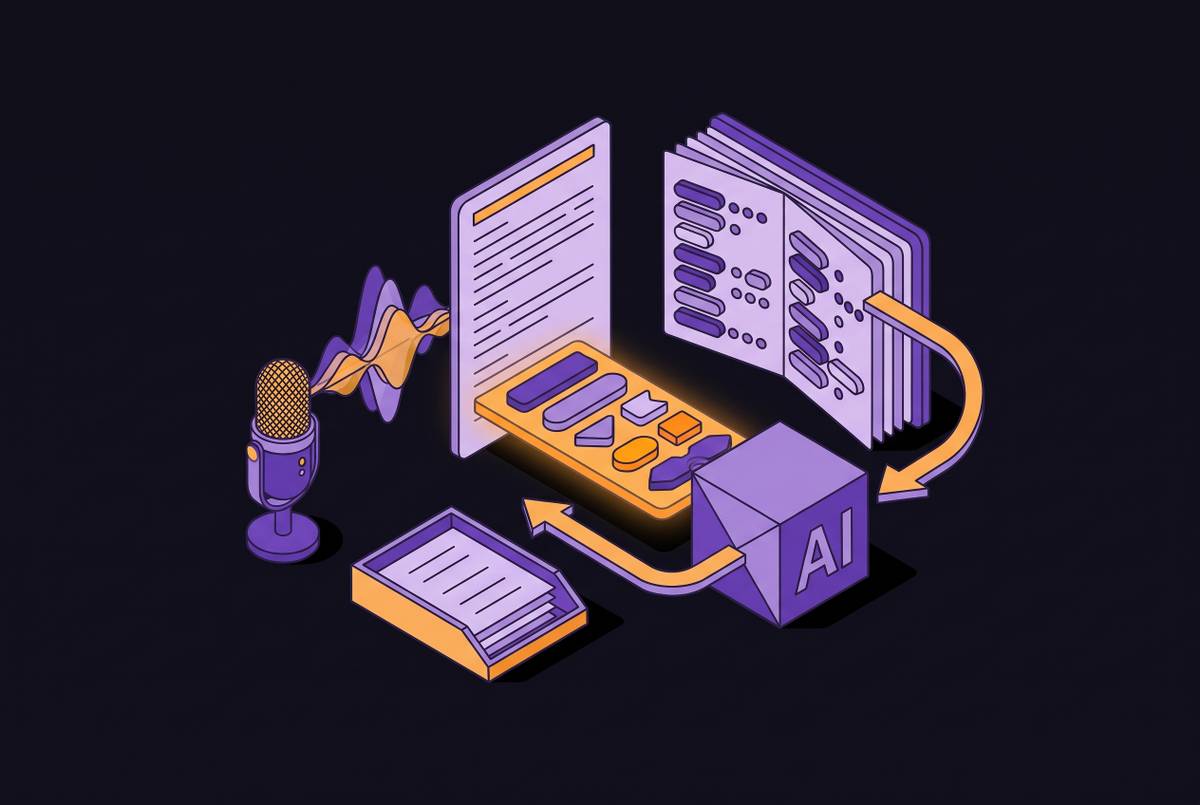
Most action items die in the room where they were born. Someone is taking notes while also trying to participate in the discussion, so neither job gets done well. The record that survives the meeting is usually a fragment: "follow up on client request," with no name attached and no date attached, a sentence that means everything to the person who wrote it and nothing to anyone else. That gap between what was actually agreed and what got written down is the first failure point, and it happens before any software touches the conversation.
The second failure point is distribution. 44% of action items never get completed, and 71% of meetings fail specifically because follow-through never happens. Those aren't rounding errors. They describe a default state where the majority of what gets agreed to in a meeting simply evaporates for boring, structural reasons.
The scope and limits of ASR
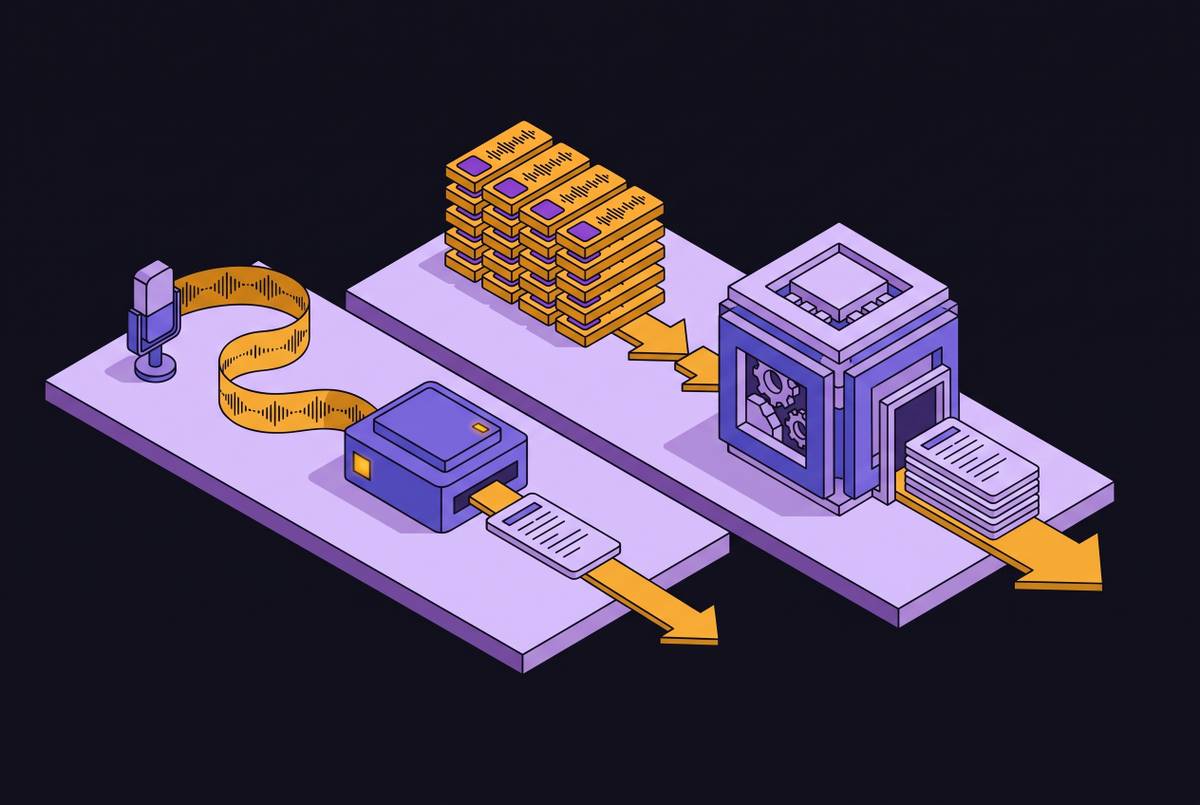
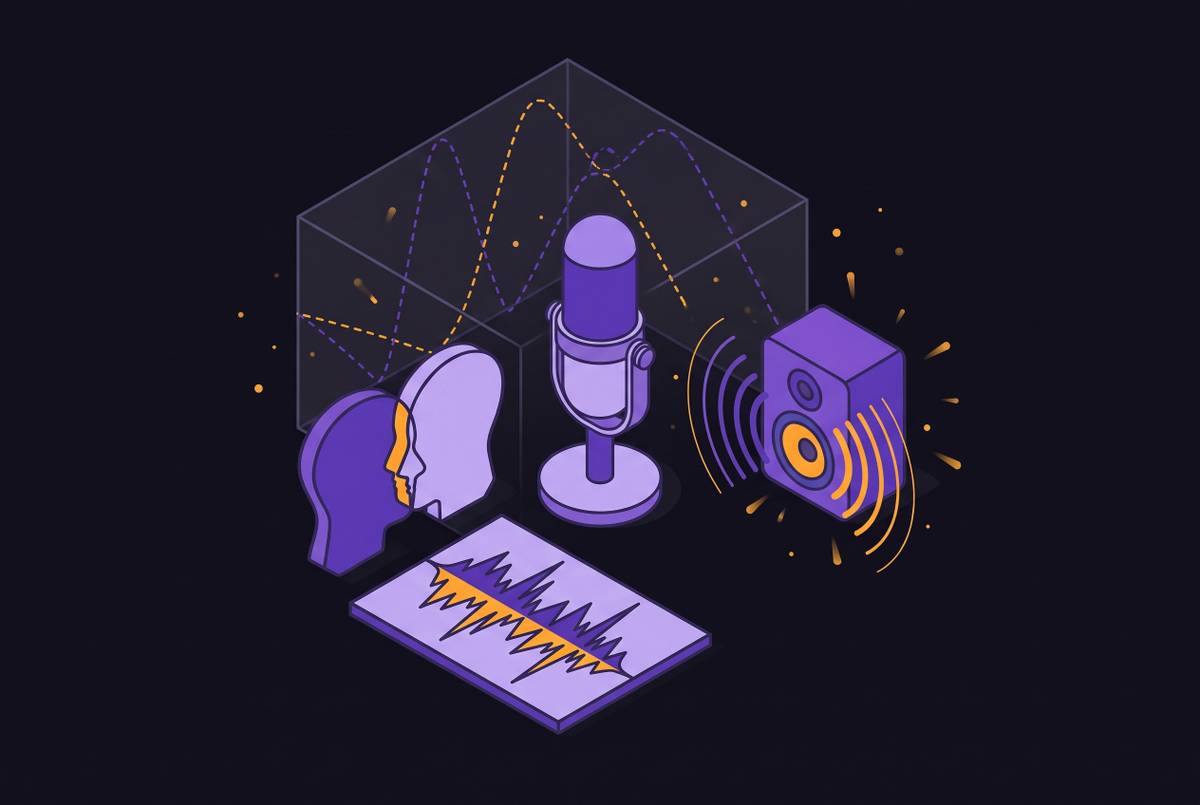
Automatic speech recognition, ASR, is the technology that converts spoken audio into written words. It sits at the front of every meeting transcription pipeline, and it does its job through several distinct stages that most users never see. Audio comes in from a microphone, a video call, or an uploaded file, and its quality (how much background noise, how much compression) shapes everything downstream. From there, acoustic modeling breaks the sound into phoneme-level units and maps them to probable word sequences, but that step alone produces garbage on its own; a phrase can sound like a dozen different things.
Language modeling is what fixes that. It re-ranks the candidate word sequences by how often those words actually appear together, which is the mechanical reason "Zoom AI" comes out as "Zoom AI" instead of "zoom a eye". Speaker diarization labels who said what, turning an undifferentiated wall of text into something readable. Then post-processing, using natural language processing, adds punctuation, fixes domain-specific terms, and formats the output into something a human can scan. Some systems do this in real time, streaming text as people talk; others process a recording after the fact, trading a bit of latency for higher accuracy.
Accuracy in this world gets measured by word error rate, WER, where lower is better. By 2026, WER across established tools has compressed to the point where raw transcription accuracy barely separates one vendor from another. The technical floor rose. Everybody cleared it. Which means the interesting competitive and product implication has moved somewhere else entirely.
The LLM synthesis layer: where commitments become tasks
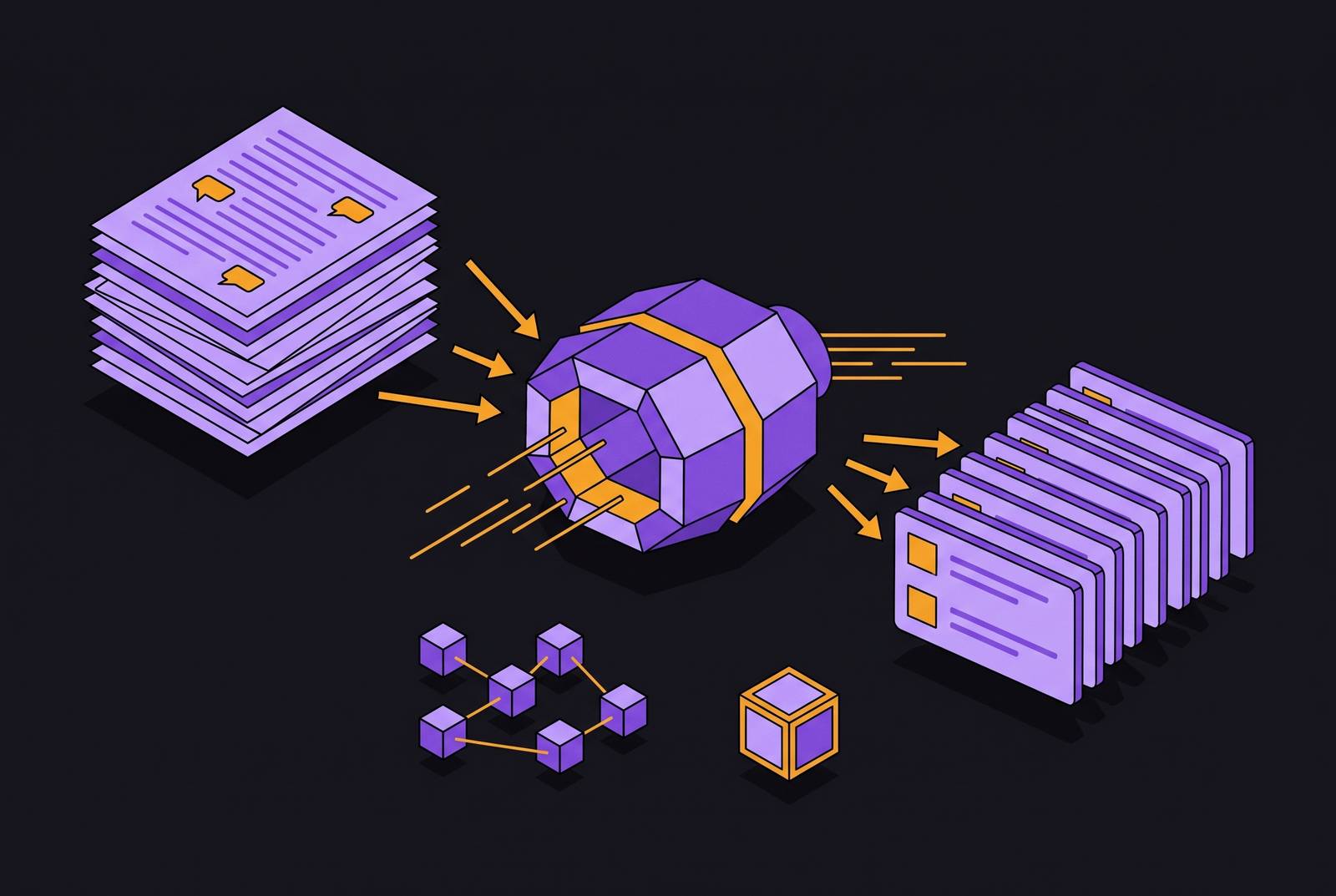
It moved to synthesis. ASR gets you the words; a large language model layered on top of that transcript is what extracts the meaning, the action items, the risk flags, the commitment statements, the moments where someone's answer on the call quietly contradicts the position they walked in with. That's a categorically different task from transcription, and it's the one that determines whether a tool is actually useful or just a very literate stenographer.
Mechanically, this works through pattern detection layered with contextual reasoning. Certain phrases function as commitment signals, "I'll send that proposal," "Can you review the draft," and those phrases trigger the model to flag an action item. Speaker attribution, drawing on the diarization output plus conversational context, maps that commitment to a specific owner: who said it, or who was addressed when someone else said it. Temporal language gets pulled out and structured into an actual deadline, whether the meeting said "by Friday" or "before our next meeting". The output, ideally, is a clean triplet: assignee, task, deadline, formatted so it can be routed somewhere without a human retyping it.
None of that works, though, if the model can't see the whole conversation at once. A 60-minute meeting runs 8,000 to 12,000 words of transcript, and a commitment made in minute 12 might not get its deadline until minute 47, when someone circles back and says "let's have that by the board meeting" https://www.granola.ai/blog/ai-meeting-transcription-how-it-works-and-which-tools-lead-in-2026. If the transcript gets chunked or pre-summarized before the LLM ever processes it, that link snaps, and the model either misses the deadline entirely or attaches it to the wrong commitment. This is precisely why context window size is not a spec-sheet footnote. Claude Sonnet 4's 200K context window, for instance, is large enough to hold an entire meeting transcript in one pass, extraction instructions and all, with no pre-summarization step required https://www.granola.ai/blog/ai-meeting-transcription-how-it-works-and-which-tools-lead-in-2026. That's not a brand endorsement so much as a useful illustration of the underlying mechanism: more context held at once means fewer severed links between a promise and its due date.
The two capture architectures and their effect on extraction quality
Before any of that synthesis can happen, audio has to get captured in the first place, and there are two structurally different ways tools do it. Bot-based capture works by sending an automated participant into the video call, which announces itself, joins the meeting, and processes the audio on a cloud server before storing the resulting file. Device-level capture skips the external participant entirely: the application pulls system audio straight off the computer running the meeting, with nothing stored remotely and no bot appearing on anyone's screen.
That architectural split affects the user experience immediately: what setup looks like, which platforms are covered out of the box, and, maybe more importantly, what happens to the audio once transcription is done. Bot-based systems generally retain the audio file, so someone can go back and listen to the original clip later, a real advantage in high-volume documentation contexts where verifying the source matters. Device-level systems tend to go the other direction: audio gets deleted immediately after transcription completes, with no raw recording stored anywhere. Neither approach is objectively correct. One optimizes for auditability, the other for data minimization, and which one a team should prefer depends entirely on what they're documenting and who's going to ask to hear it again.
What "good extraction" looks like in practice, and the shortfalls of current tools
Testing across the current field of AI note-takers reveals a pattern that's almost boring in its consistency: nearly every tool handles transcription competently, and almost none of them handle what happens after transcription. The action item gets identified, sits in a summary inside a standalone app, and nobody opens that app again. The meeting gets a record. The record does not produce follow-through, which is the entire point of writing anything down in the first place.
Good extraction has to clear a few specific bars, and each one is harder than it sounds. Speaker attribution has to be accurate, because assigning a commitment to the wrong person is arguably worse than not capturing it at all: at least an uncaptured item might get raised again, while a misattributed one creates false confidence that someone is on it when they have no idea it exists. Deadline extraction has to handle implicit temporal language, including clean phrases like "by Friday" and conditional ones like "before we talk to the board," which requires the model to actually track the surrounding context of the meeting and go beyond pattern-matching on calendar words. The model also has to draw a real line between discussion and commitment: "we should probably look at pricing" is a musing, while "I'll pull the pricing data before Thursday" is an actual obligation with a name on it. Collapsing that distinction floods a task list with noise, and noise is how people learn to ignore the tool.
The output has to be structured consistently enough to be machine-readable, not just readable by a human skimming a summary. A tool clears the bar for genuine usefulness when it does a specific, checkable set of things: extracts action items with owners and due dates attached automatically, rather than just surfacing highlights; makes the entire meeting history searchable, not just the transcript from a single call; pushes insights into the CRM, project management tool, or messaging platform where the work actually gets tracked; and handles security and compliance seriously, since SOC 2 Type II, HIPAA, and GDPR aren't checkbox items when the transcripts in question contain client names, deal terms, and internal strategy. Flexibility in capture, offering both bot-based and device-level recording, rounds that list out, since different teams and different compliance postures call for different tradeoffs. Accuracy figures for well-built extraction pipelines are 85 to 98% depending on audio quality, which sounds respectable until you remember that the remaining error rate is exactly where a wrong owner or a missed deadline lives https://www.spinach.ai/blog/automatically-create-action-items-from-meeting-transcripts.
Routing extracted action items into the tools where work happens
An action item extracted correctly and left sitting inside a meeting tool has not actually solved anything. It has just moved the fragmentation one layer downstream, from a notebook to an app nobody opens between meetings. The item is only worth something once it lands in the system where the assignee actually works, whether that's a CRM record, a Slack channel, or a project management board.
The mechanism, at its best, looks like a straight line with no human in the middle: the AI extracts action items, decisions, and key discussion points from the transcript, pushes those outputs directly into a CRM, a Slack message, or a task manager, and the follow-up process starts the moment the call ends, with nobody manually copying anything over. In sales contexts, this gets concrete fast. After a call, the AI captures the transcript, summarizes the action items, identifies who said what by role, and syncs the next steps straight into HubSpot fields, tagging new stakeholders and key dates into the opportunity record. That's not a hypothetical efficiency gain; it's a rep not having to remember to do data entry after their fourth call of the day, which is exactly the kind of task that gets skipped when someone's tired.
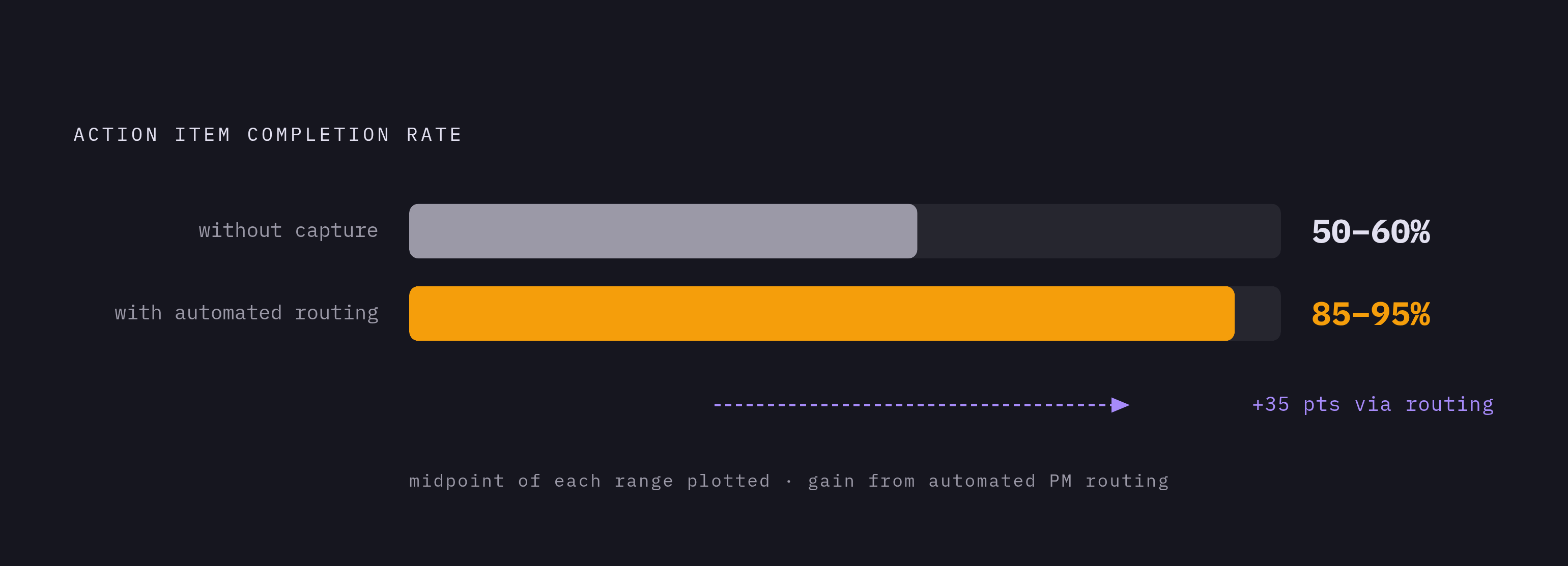
The time recovered is not trivial, either. And the completion-rate numbers back up why this matters beyond convenience: action item completion is around 50 to 60% without automated capture and tracking, but climbs to 85 to 95% once that capture and tracking happens automatically inside a project management system https://www.spinach.ai/blog/automatically-create-action-items-from-meeting-transcripts. Automating the routing step by sending tasks directly to project management tools is apparently worth saving 30% of employee time https://www.spinach.ai/blog/automatically-create-action-items-from-meeting-transcripts. Sales reps can reclaim at least 2–3 hours, time redirected to selling or prospecting.
How MCP and API access extend extracted meeting data into AI assistants
Routing meeting data into a CRM or a task manager solves the "where does this go" problem for one destination at a time. The Model Context Protocol, MCP, solves a broader version of it. MCP is an open standard for connecting AI applications to external systems, and the analogy that's stuck for describing it is a USB-C port for AI: one standardized connector instead of a different cable for every device.
The distinction from a traditional API matters here https://www.spinach.ai/blog/granola-mcp-org-wide-meeting-data. MCP flips that. Any AI application that supports the protocol can talk to any MCP server without bespoke integration work on either end, which is a meaningfully different scaling curve. The adoption numbers by late 2025 suggest this wasn't a niche standard: Anthropic reported more than 97 million monthly SDK downloads across all languages, over 10,000 active MCP servers running in production, and native support baked into Claude, ChatGPT, Google DeepMind's systems, and Microsoft Copilot, among others https://www.granola.ai/blog/ai-meeting-transcription-how-it-works-and-which-tools-lead-in-2026.
For meeting data specifically, this opens up questions that used to require a research assistant. "What objections came up most often in sales calls this month?" becomes a query answered in seconds against a searchable archive, instead of a task requiring someone to reread dozens of transcripts by hand. "What did we cover last time with this person?" pulls a briefing automatically instead of forcing someone to dig through old notes before a follow-up call. APIs are tool-specific, requiring custom integration for each pairing, whereas MCP standardizes the interface so any MCP-supporting AI application can connect to any MCP server without custom integration work. Extracted commitments can be connected to other AI tools in the stack (Cursor, Claude, ChatGPT), so meeting context informs AI-assisted work downstream.
Meeting data as organizational memory: the longer-term value of extraction done right
Stepping back from any single meeting, the real prize comes into focus: a searchable, structured archive of everything an organization has ever agreed to, discussed, or promised a client. Most of that record currently goes to waste. Cisco's research found that only 26.2% of meeting participants ever go back and review a recording of a meeting they actually attended https://genesysgrowth.com/blog/fathom-vs-fireflies-ai-vs-otter-ai. The raw material for organizational memory exists but almost nobody touches it in its native form https://genesysgrowth.com/blog/fathom-vs-fireflies-ai-vs-otter-ai. Structured extraction is what makes that archive usable instead of just accumulating.
The payoff is most clear in onboarding. Early adopters of organizational memory systems report onboarding time reductions in the 25 to 40% range https://coworker.ai/blog/what-is-organizational-memory. At Daversa Partners, an executive search firm, adoption of this kind of transcription and extraction tooling reached 136 of the firm's 150 employees, a scale of internal buy-in that only happens when a tool is solving a felt daily problem rather than a hypothetical one https://www.granola.ai/blog/ai-meeting-transcription-how-it-works-and-which-tools-lead-in-2026.
The economics driving all of this are not subtle. The average knowledge worker loses about 4.5 hours a week to documenting meetings, organizing notes, and chasing down half-finished commitments, which at a $50 hourly rate works out to roughly $11,700 per employee per year in manual overhead https://www.spinach.ai/blog/automatically-create-action-items-from-meeting-transcripts. Scaled across a ten-person team, a 30% reduction in that overhead recovers about 120 hours a month, which is not a rounding error, it's most of a full-time role's worth of capacity, freed up simply by making sure a commitment made out loud in a meeting doesn't have to be remembered by a human being ever again https://www.spinach.ai/blog/automatically-create-action-items-from-meeting-transcripts. Sales representatives can reclaim 2–3 hours per week by automating administrative work through CRM field-level sync of meeting transcripts and action items https://www.outdoo.ai/blog/crm-automation-examples. 44% of action items never get completed https://www.spinach.ai/blog/automatically-create-action-items-from-meeting-transcripts. 71% of meetings fail because of poor follow-through https://www.spinach.ai/blog/automatically-create-action-items-from-meeting-transcripts. Managers spend another 3 hours weekly in status meetings and Slack threads asking about incomplete commitments https://www.spinach.ai/blog/automatically-create-action-items-from-meeting-transcripts.