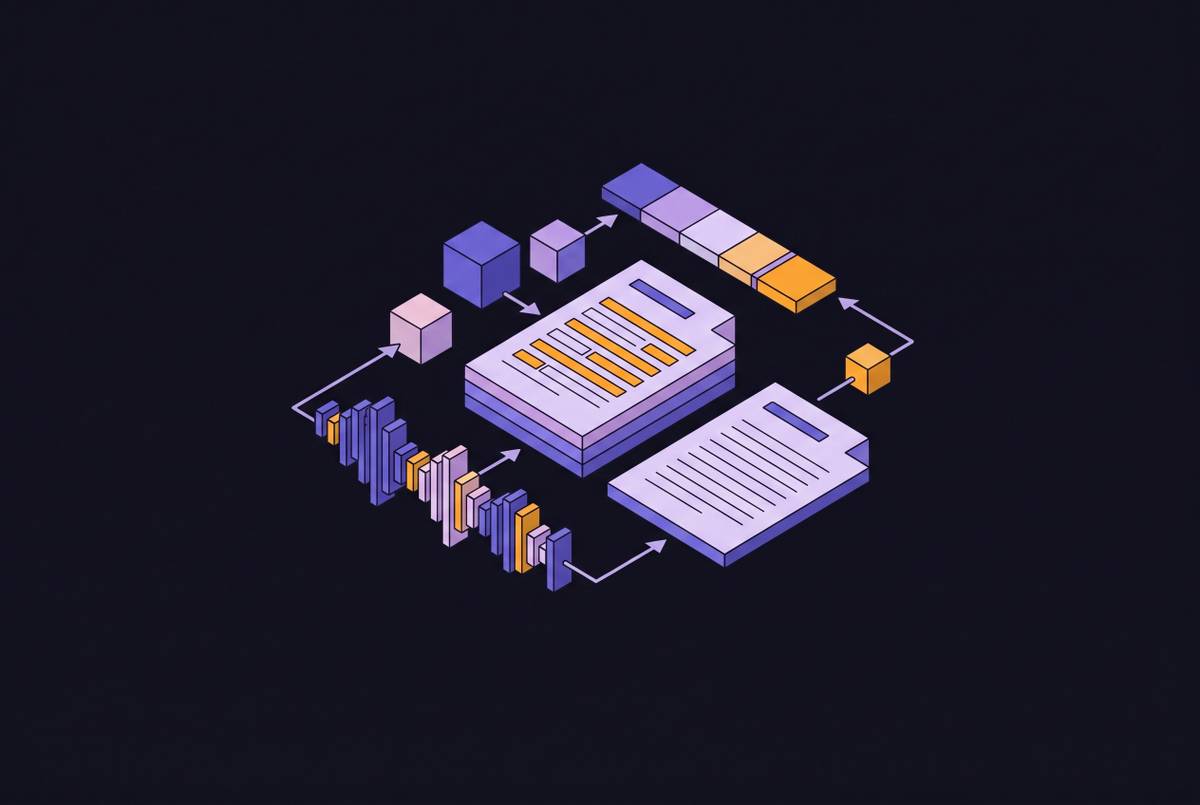
Streaming vs. Batch Transcription for Live Meeting Use Cases
Streaming works live, batch works accurate—pick the wrong one and your transcription fails.
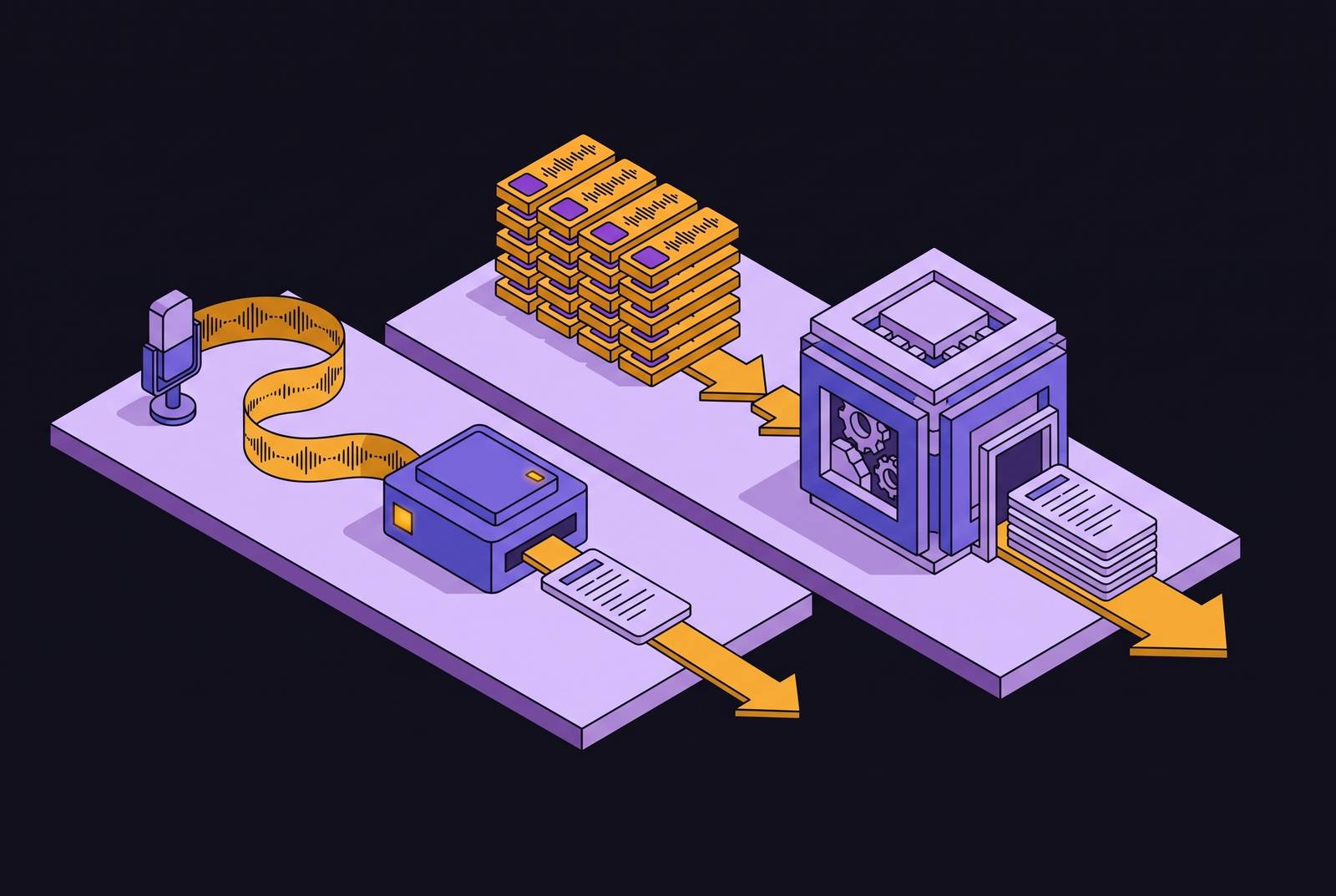
Streaming and batch transcription solve two different problems, and most teams pick the wrong one because they never separate those problems. Choose streaming for a job that needs the finished record, and you get a live experience that stutters and second-guesses itself in front of the user. Choose batch for a job that needs sub-second response, and you're building something that can't ship. Among people building on these systems, accuracy ranks as the single biggest challenge, cited by 52.5% of builders in voice-agent research, and that pressure only intensifies when the wrong transcription mode or engine gets chosen before a team ever thinks about accuracy.
What streaming transcription delivers during a live call
Streaming transcription converts audio to text as it arrives. It returns partial results, then final ones, in a continuous drip, and it never waits for a recording to finish because there is no finished recording yet. Just a live feed, still being spoken.
A persistent WebSocket connection has to stay open for the length of the call, and that single requirement drives most of the infrastructure complexity. Voice Activity Detection has to figure out when someone starts and stops talking. Diarization logic has to guess who's speaking, usually with far less context than a batch system ever gets. The output goes through progressive refinement: an early partial guess gets revised as more audio arrives within the same utterance. At every point in that process, the system is working with an incomplete picture, committing to text before it's heard the end of the sentence. That's why streaming transcripts sometimes flicker and correct themselves mid-word on screen.
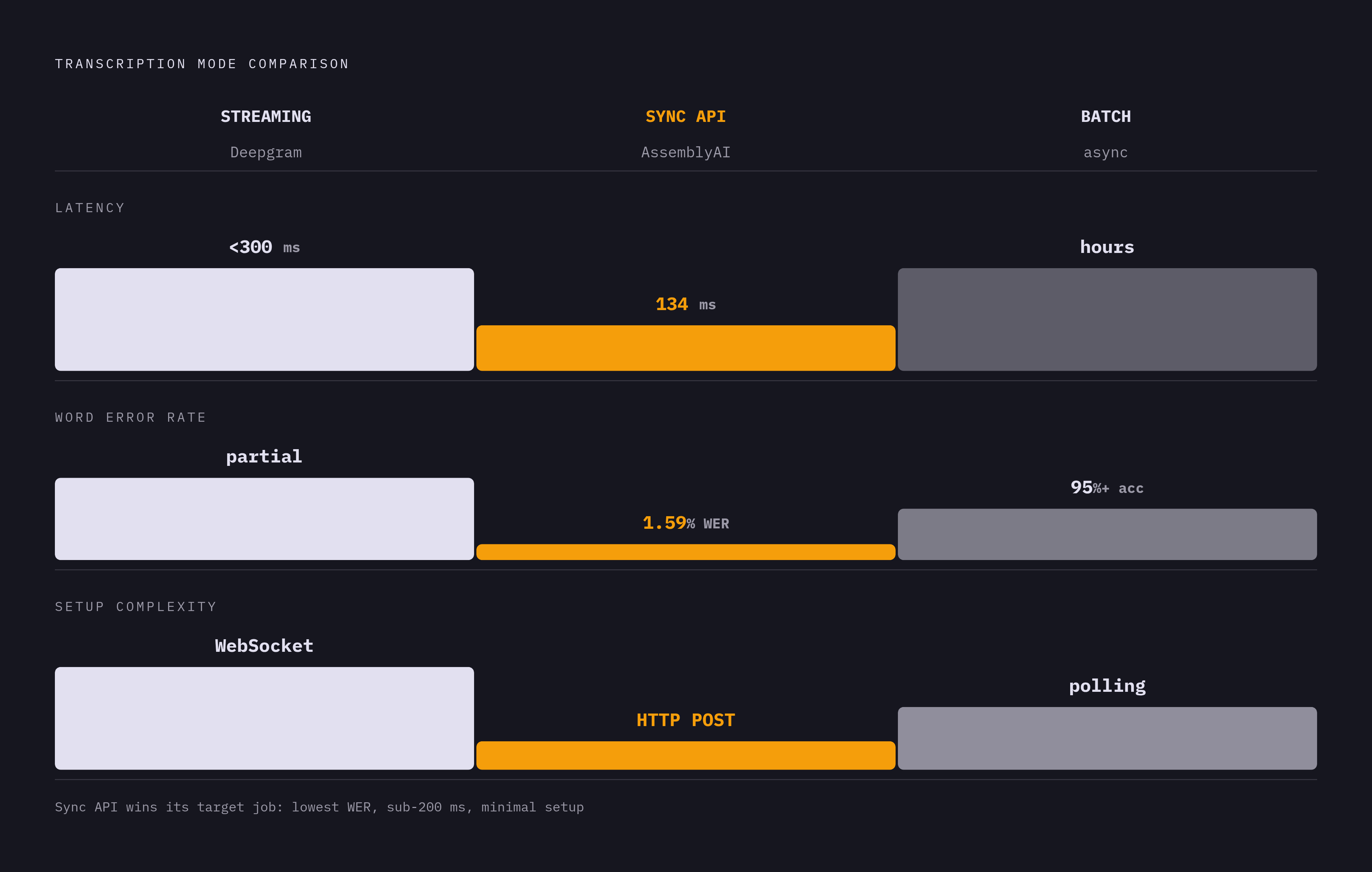
Deepgram's streaming API, built specifically for real time, delivers word-level results in under 300 milliseconds. That number reflects a specific threshold. It's the threshold that keeps a live caption feeling attached to the speaker's mouth instead of trailing behind it. Pushing that lag out to two seconds breaks the illusion entirely: the caption starts to feel like a separate broadcast running on its own clock.
What batch transcription delivers in the post-call window
Batch transcription takes the opposite bet. Wait for the whole recording, then process it with full bidirectional context. The model can look at what comes after an ambiguous word, not just what came before it, something no live system can do without introducing a delay long enough to defeat the point of streaming.
That full-context advantage isn't cosmetic. Better punctuation, more reliable speaker attribution through overlapping speech and interruptions, correct resolution of homophones and similarly-sounding names: all of it appears in batch output because the model has heard the whole exchange before deciding what was said. A real-time model trips on the same words simply because it hasn't heard enough yet. According to "12 Best AI Notetakers for Meetings in 2026," the top AI notetaking tools hit accuracy in the 90 to 95%+ range for English. That's a structural edge over streaming, not a marginal one, and it comes directly from the fact that batch gets to see the entire conversation before committing to an answer.
Full context also unlocks features that don't exist in a live stream at all: automatic topic detection, chapter segmentation, structured summaries, sentiment analysis that tracks the arc of a conversation rather than a single moment inside it. None of that works without a complete file sitting there to analyze.
The gap the Sync API was built to fill
Between those two modes sits a category most people ignore until they need it badly: short clips where a finished transcript has to come back immediately, but building out a full streaming setup or an async batch queue isn't worth the engineering cost. As of July 2026, AssemblyAI's Sync API occupies exactly that space. It's a narrower tool than either of the other two, built to do one job well instead of everything adequately, and that narrowness is the point rather than a limitation.
The mechanics stay almost aggressively simple: one HTTP POST request, no WebSocket to keep alive, no job to poll, no callback to wire up. The complete transcript comes back in roughly 134 milliseconds at the median. It's built for clips between 80 milliseconds and 2 minutes, capped at 40MB, accepting WAV or raw 16-bit PCM across 18 languages. Word error rate on short-form audio is 1.59%, and pricing costs $0.45 per hour with no rate limits attached.
That combination fits a specific set of jobs: dictation and short voice notes, voice-agent pipelines where turn detection already happens somewhere else and each finished utterance gets submitted on its own, IVR systems, push-to-talk interfaces, voicemail, short call recordings. None of those need a persistent connection open, and none of them can tolerate the wait of a traditional async batch job either. The Sync API is the right answer for a job neither streaming nor batch was built to do. It's the right answer for a job neither one was built to do.
How the audio capture layer shapes everything that follows
Transcription mode is only half the architecture. Audio has to get captured before it can get transcribed, and that step carries its own version of the streaming-versus-batch split, one that most teams overlook until a demo breaks in front of a customer.
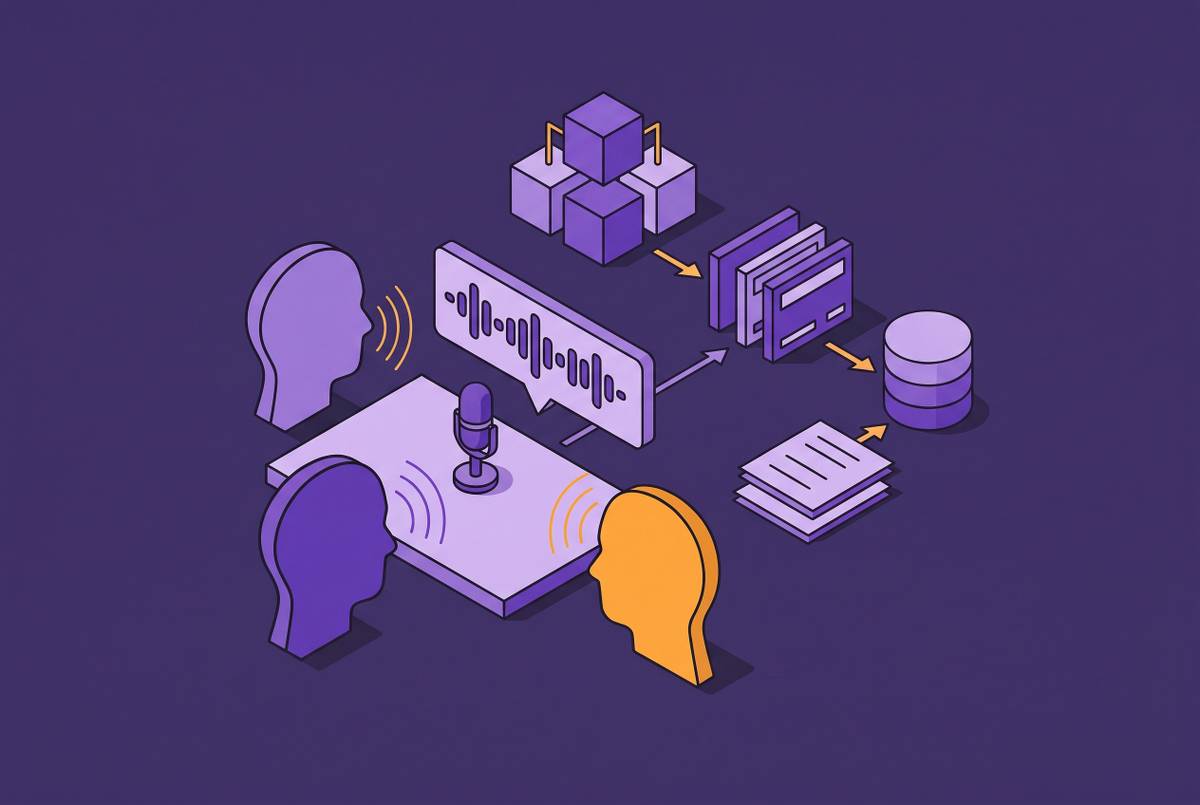
Two capture architectures dominate in 2026. Bot-based capture sends an external participant into the call, a visible bot that joins as an attendee and processes audio on a cloud server. Device-level capture skips that entirely and pulls system audio directly off the local machine running the application.
Device-level capture carries a real advantage: it bypasses platform-specific integrations and works across essentially any calling application on desktop, including tools like FaceTime and WhatsApp that were never built with API-level recording access in mind. It transcribes straight from the local audio stream in real time. iOS breaks this cleanly. Apple's OS-level audio protections restrict the approach on iPhone, so a method that works fine on a laptop hits a wall the moment the call moves to a phone.
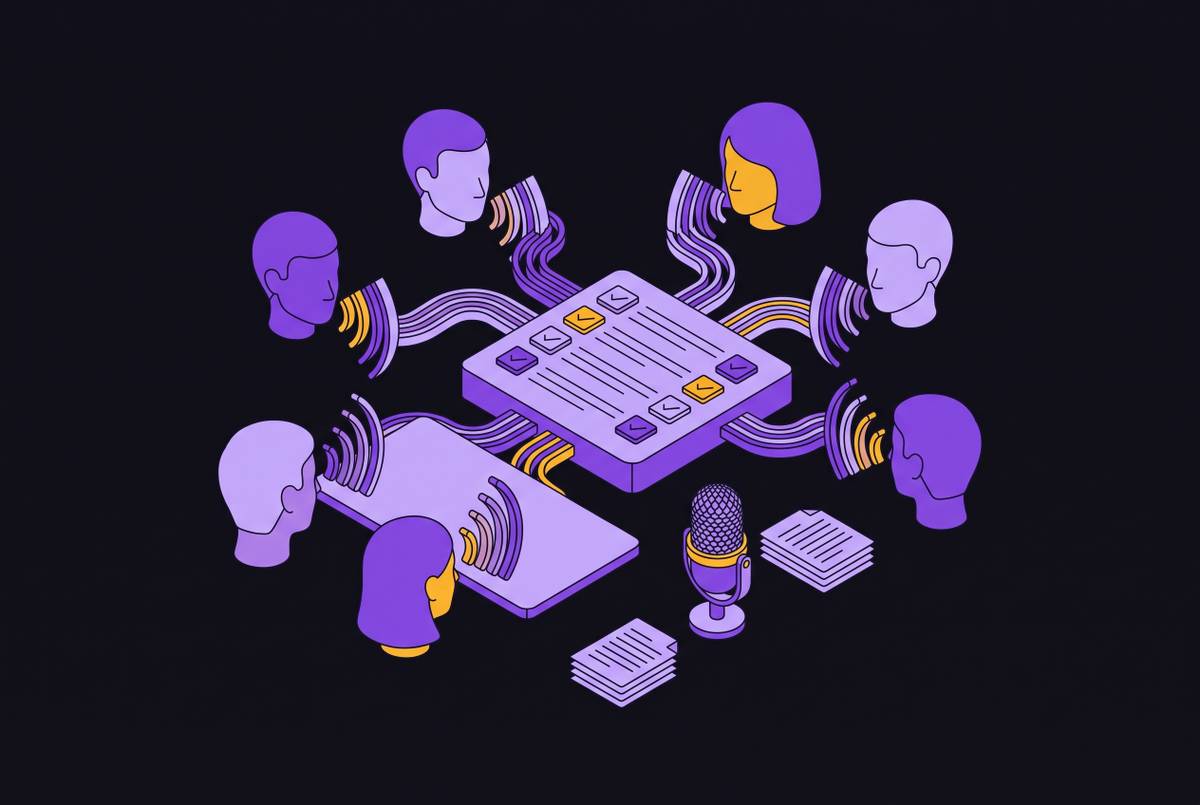
Bot-based capture solves a different problem. Recall.ai, for instance, captures each participant on a separate audio stream, which makes accurate speaker attribution possible even when several people talk over each other at once, a scenario that tends to scramble single-stream capture into an unreadable mess. Those separated streams can then feed directly into transcription APIs like AssemblyAI's, stacking the accuracy gain from separated audio on top of the accuracy gain from full-context batch processing, instead of forcing a team to choose one or the other.
Where accuracy diverges
Independent testing puts the top tools within the same 90 to 95%+ band for English, and that convergence is the real story: accuracy stopped being a meaningful differentiator among the leaders some time ago. The notetaker market has quietly consolidated onto a small handful of speech-to-text engines, so two products that look like rivals on the surface may be running the identical model under a different logo.
Once the foundation is shared across vendors, competition can't live there anymore. It moves up a layer, into the product built on top of the transcript, because the transcript itself has become table stakes rather than something worth paying a premium for on its own.
Real divergence appears in narrower conditions: accented English, heavy background noise, crosstalk-heavy conversations, technical vocabulary, non-English languages generally. Newer models, Mistral's Voxtral Transcribe 2 and OpenAI's GPT-4o Transcribe among them, have pushed word error rates below 4%, but that figure comes from clean, high-quality audio. A conference room with a bad mic and three people talking over each other is a different test entirely, and the gap between vendors widens exactly there. That happens to be exactly where most real meetings take place.
What the right transcription architecture enables after the call
Most tools handle transcription reasonably well by now. Almost none of them handle what happens next. Action items get written down and go nowhere. Summaries land in a standalone app nobody reopens once the meeting ends.
The pipeline that actually matters runs in sequence: meeting audio to transcript, transcript to AI summary, summary to mapped CRM fields, mapped fields to an updated CRM record. Every link in that chain involves a decision, and the transcript's accuracy at the start determines how much trust is warranted at the end. A transcription error doesn't stay contained where it started. It propagates into the summary, then into whatever field it eventually gets mapped to, and by the time anyone notices, the bad data is already sitting in a report someone's making decisions from.
Ask a vendor whether the integration writes to structured fields or just logs an activity. That single answer decides whether the automation is worth building or just generates a paper trail nobody reads. Batch transcription's full-context advantage pays off most clearly right here. Structured summaries, speaker-attributed action items, topic detection across a full conversation: all of it improves because the underlying model got to see the whole call before generating a word of output.
How to choose the right mode for what your team needs to capture
The choice comes down to what a given moment in the meeting lifecycle demands, and what the output has to do once it exists. Treating this as one company-wide decision is the actual mistake teams keep making, because no single mode fits every case a business runs into.
Streaming, or a streaming-first tool, earns its place when live captions serve accessibility or real-time search, when a voice agent needs a sub-300-millisecond response to feel natural, or when participants need to follow along and flag things while the conversation is still happening.
Batch, or a batch-heavy post-processing setup, earns its place when the final record's accuracy matters more than anything shown live: compliance review, coaching, QA against a recording, topic detection, chapter segmentation, full-arc sentiment analysis, or cost efficiency at volume.
Running both together beats picking one. Streaming carries live captions during the call while batch, or a Sync-style endpoint, cleans up the final transcript afterward, so users get real-time utility during the meeting and a high-accuracy record once it's over. Short utterances, voice commands, and push-to-talk exchanges fit a Sync-style endpoint well; longer recordings belong in async batch. Picking one mode to run everything through leaves teams with fast transcripts nobody trusts, or accurate ones that arrive too late to matter.