MCP Connectors for Meeting Data in AI Assistants
AI assistants need meeting data to answer strategic questions with evidence instead of speculation.
MCP connectors for meeting data give AI assistants access to the decisions, commitments, and context that make their answers useful. To stop copying action items into a project tracker by hand, teams need structured meeting capture and a downstream workflow with permission to act, as well as access to transcripts. Circleback is one option for that foundation, exposing meeting intelligence through MCP and offering automations and APIs for follow-through.
Why AI assistants stall without meeting context — and what MCP does about it
A developer asks Cursor what the team decided on the auth flow, but the assistant cannot see the sprint discussion. A sales manager asks about the top objections this quarter and gets generic speculation without evidence of patterns from prospect calls. The assistant does not have the evidence it needs to answer the question. So someone must find the conversation, pull out the passage that matters, and add the context before useful work can begin.
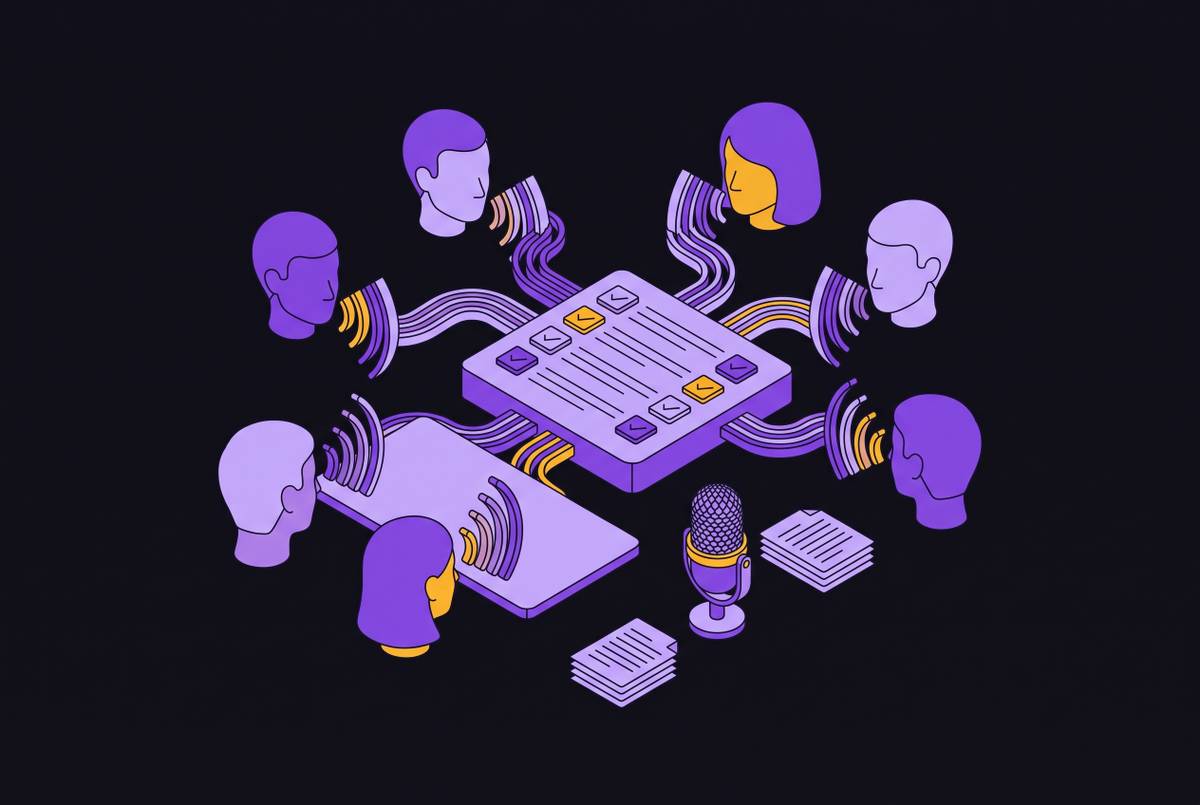
Documents and messages are already machine-readable and searchable, while most conversations are still outside the systems that make this possible. Yet meetings contain information that polished records often omit, including the reasoning behind decisions, relationship dynamics, and cross-functional commitments. A follow-up email built from those details can address actual concerns. Copy-pasting transcripts supplies some of that evidence, but it is manual, inconsistent, and bounded by the context window. MCP addresses the gap by giving the assistant a durable interface to query meeting data when a task requires it.
What MCP is and why it became the standard connector layer so fast
MCP, the Model Context Protocol, is an open standard for connecting AI applications to external data sources through a uniform, structured interface. Anthropic created it and open-sourced it in November 2024, and OpenAI adopted it in March 2025. By 2026, MCP connections were supported across Claude, ChatGPT, Perplexity, Grok’s paid accounts, and Mistral’s Le Chat, with availability varying by plan. For teams deploying AI, understanding the connector layer is now part of understanding the application itself.
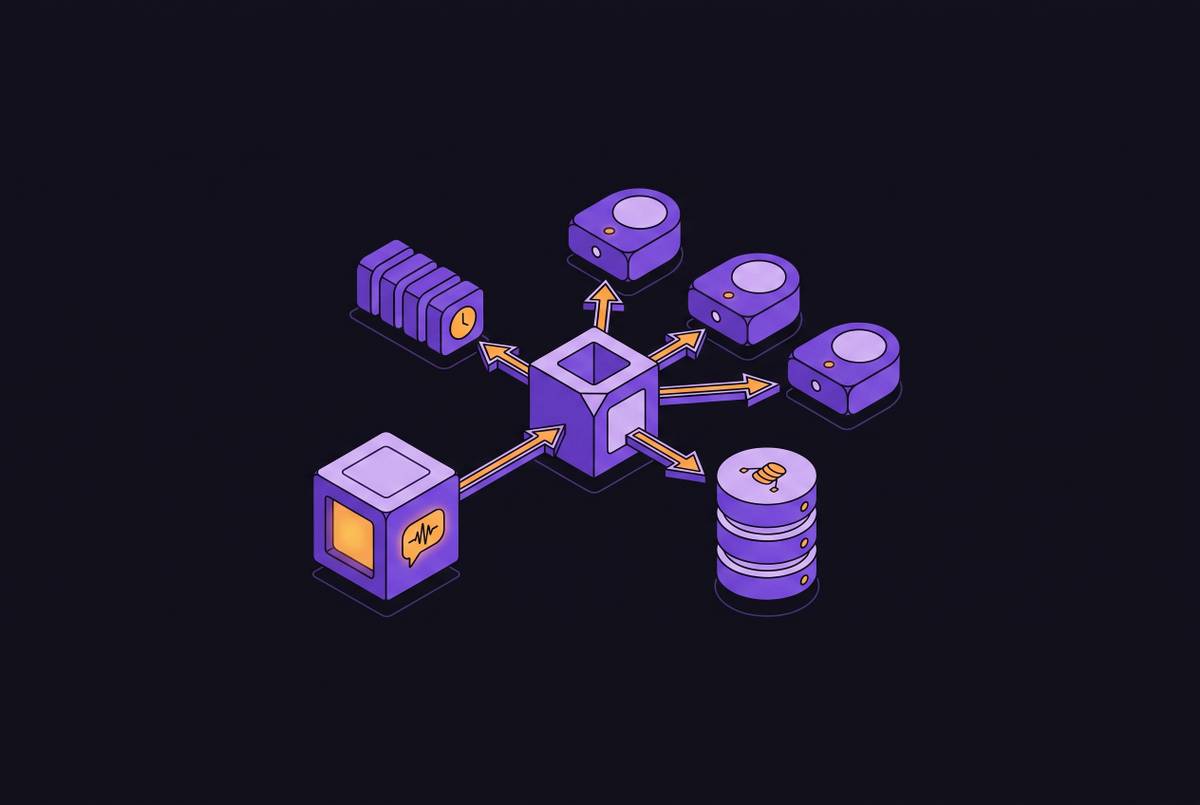
The standard replaces a separate integration design for every pairing of assistant and data source. A meeting tool runs an MCP server, which offers named tools that an MCP-capable assistant can discover and call. Those tools might search meetings or retrieve a transcript. The assistant decides when the user’s request requires one of them, while the server supplies the interface to the underlying data. Standardization simplifies that connection, but it does not make every server equally capable or grant every client the same permissions.
How an MCP server for meeting data actually works, layer by layer
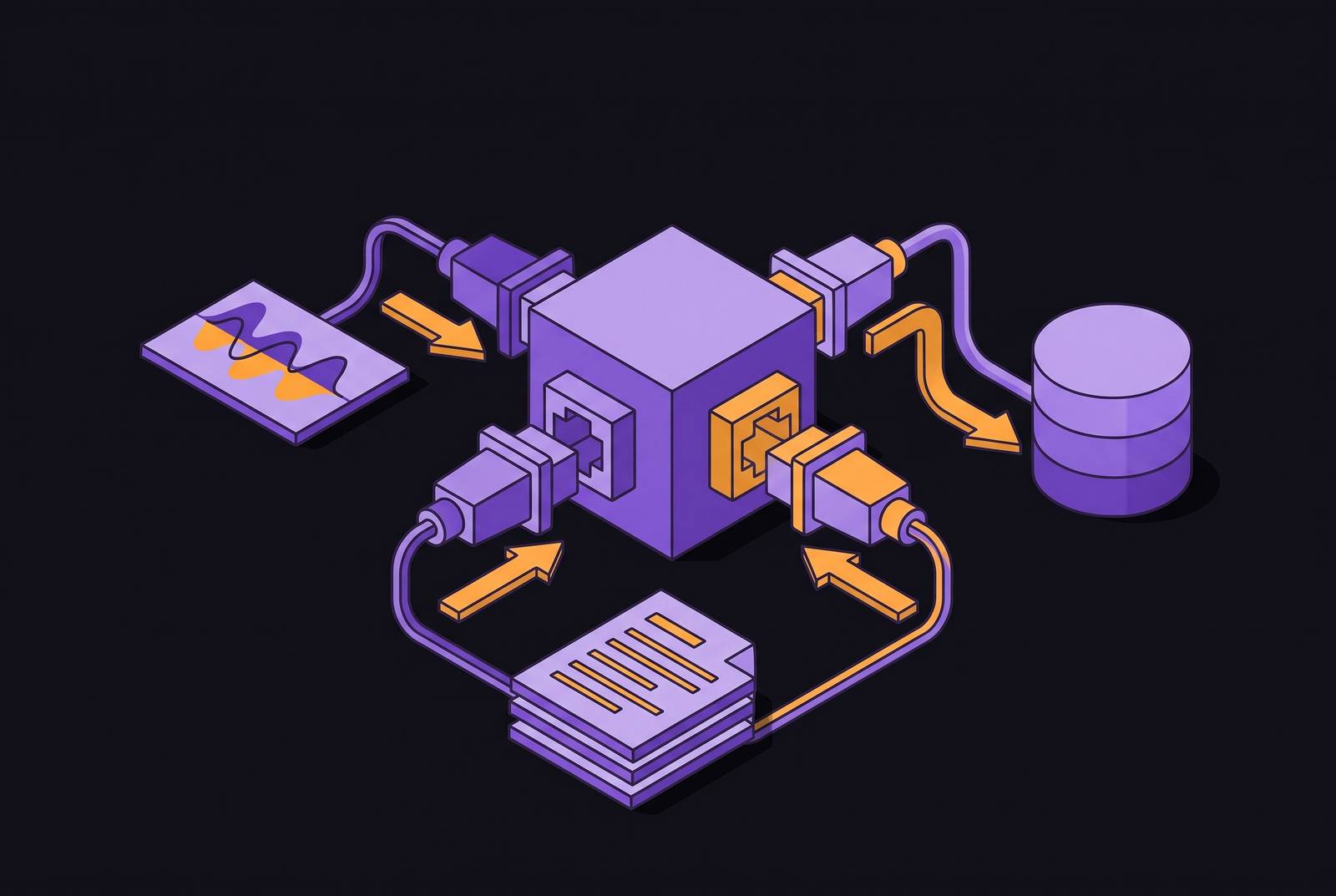
Take a user who asks Claude about last week’s sprint planning call. Claude is the host application, and an embedded MCP client manages its connection to the meeting tool’s MCP server. The request follows a clear path from host to MCP client to MCP server to meeting corpus. In a remote OAuth-based connection, authenticated access lets the server retrieve the relevant transcript and return it in a form the assistant can use. The user does not need to upload a file or reconstruct the meeting context manually.
MCP uses JSON-RPC 2.0 for structured requests and responses. The practical detail is that the server exposes named, callable tools rather than leaving the assistant to navigate a meeting application’s interface. Tools such as get_action_items, search_decisions, and retrieve_meeting_context give the client specific ways to request evidence. To explain the decision from sprint planning, the assistant can retrieve the context it needs. The breadth and precision of that answer still depend on what the server exposes and what the authenticated user may read.
Uploading a file gives the assistant a fixed copy, while an MCP connection lets it ask for the meeting data it needs during the conversation. That access can support follow-through without loading an entire meeting archive into every prompt. A local server can provide a similar interface from the user’s own machine, typically configured with an API key. Local and remote servers therefore share a protocol but differ in deployment requirements and access control.
What a well-built MCP server exposes — and where most implementations fall short
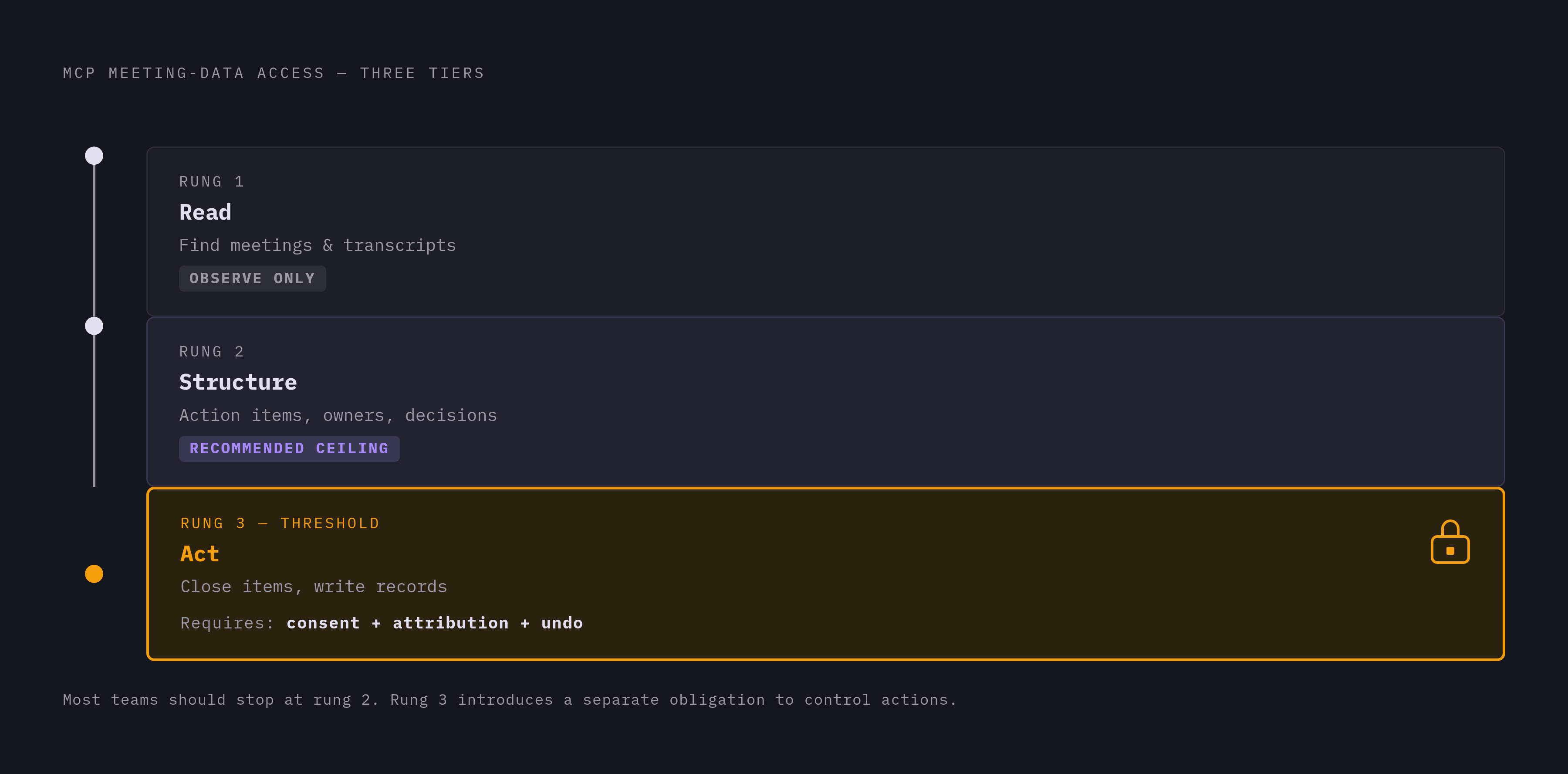
The useful evaluation framework is a consent ladder with three rungs. At the first rung, the assistant can find and read meetings and transcripts. At the second, it can read structured follow-through, including action items with owners and recorded decisions. At the third, it can change something, such as closing an action item, with explicit prior consent, attribution, and a way to undo the change. Most teams need the first two rungs for most questions, while the third introduces a separate obligation to control actions.
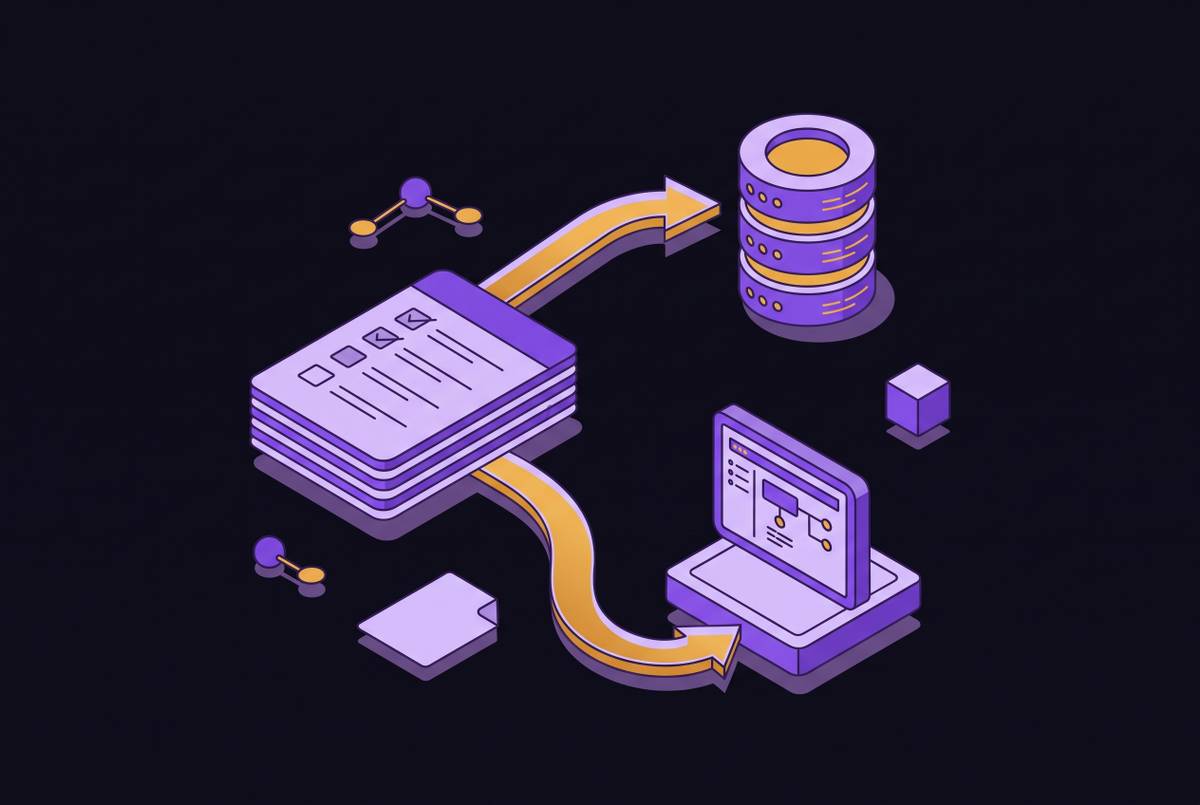
Transcript retrieval alone is not automatic task routing, because extracting a commitment and authorizing a downstream action are different capabilities. When Circleback’s MCP server exposes tools such as get_action_items or search_decisions, Claude or ChatGPT can access information already parsed for intent, ownership, and outcome. With the relevant downstream connections and permissions, those items can feed workflows in task management tools or HubSpot.
Different implementations serve different requirements. Zoom’s MCP server, expanded in May 2026, exposes summaries, transcripts, recordings, notes, and action items, with agentic search across connected enterprise systems such as Salesforce, Workday, and ServiceNow. Meeting BaaS offers an open-source server for developer-configurable access to recordings, transcripts, and calendar data. These capabilities also differ from bidirectionality, in which external context can enter the meeting platform and external tools can trigger actions there. A further constraint is scope, because most meeting tools limit access to per-user histories. Retention belongs in the same assessment, since zero-day retention for source material does not necessarily extend to MCP-accessible data.
How to set up an MCP connector for meeting data in Claude and ChatGPT
For a remote connection, begin with the connector URL supplied by the meeting tool. Circleback makes this available through the integrations or AI assistants area of its settings. In Claude or ChatGPT, paste that URL into the assistant’s connector settings, or select the vendor from a connector directory where available. Sign in to the meeting tool through OAuth and approve access. This path requires no API key, which makes it accessible without configuring a local development environment.
OAuth is preferable to API keys for most teams because an approval can be revoked in one step. API keys are long-lived secrets that typically need to be pasted into a configuration file and are harder to revoke cleanly. A local server also usually requires Node.js or Docker, making it a developer path. Meeting BaaS offers an open-source option for that approach. ChatGPT agents, however, require a public HTTPS endpoint and cannot reach a server running only on the user’s machine.
After connecting, confirm that the assistant can see only meetings the authenticated user already has permission to access. Check whether the tools return structured action items and decisions or just transcripts, since what they return shapes which tasks the assistant can help with. Also check whether answers link to source meetings so a user can inspect a quote and its surrounding context. If the vendor offers zero-day retention, check that it also covers data reached through MCP. For custom workflows beyond the connector’s coverage, an API, CLI, or webhooks can provide another integration path.
Security risks that surface when an AI agent can query your meeting corpus
Before connecting at scale, verify how the system constrains an agent that receives malicious instructions through its inputs. OWASP’s 2025 guidance identifies prompt injection as the top LLM vulnerability. When an assistant is connected to meetings, malicious input can push it to make tool calls it should not make, including requests that return or forward sensitive records. The risk concerns what the agent can do with its access, including through an encrypted or authenticated connection. A successful sign-in is therefore only the beginning of the security assessment.
Role-based access control must operate at the data layer rather than only in the meeting application’s interface. Otherwise, an agent querying the data can bypass restrictions that depend on normal navigation. When a user’s role changes, query permissions should change at the source, and OAuth scopes should limit what the credential can reach. Access across users needs clear rules and audits, because being able to see more is not always better. Write actions need stronger safeguards, including being off by default, granted individually, attributed, and reversible.
Anthropic and OpenAI state that MCP-accessed data is not used to train their models by default for business and API customers, while consumer-tier users may need to opt out. MCP is a query protocol, but it still returns meeting content for each response, so even data excluded from training raises questions about how it is handled. A zero-day retention policy that leaves MCP coverage ambiguous can also leave sensitive material accessible beyond the expected boundary. Responsible deployment combines data-layer RBAC, OAuth rather than long-lived keys, write access off by default, and source-linked answers that users can verify.
Recording consent and compliance obligations that apply before the data reaches MCP
Recording law applies to the meeting data before any MCP connector queries it. Correct authentication cannot make up for missing consent that was required when the conversation was recorded. Teams choosing a meeting tool should therefore check how it gets consent, what retention options it has, and how it handles data before connecting the corpus to an agent. That order separates lawful collection from secure access. Both are prerequisites, and neither substitutes for the other.
Eleven U.S. states require all-party consent for recording, namely California, Connecticut, Florida, Illinois, Maryland, Massachusetts, Michigan, Montana, New Hampshire, Pennsylvania, and Washington. Cross-state calls should default to the most restrictive jurisdiction. A visible recording bot is not a substitute for informed agreement, and explicit disclosure is required regardless of the recording method. Illinois’ Biometric Information Privacy Act adds a distinct requirement for written consent before collecting, storing, or using biometric data. That includes voiceprints an AI notetaker may generate to identify speakers, rather than treating every transcript as biometric data.
The EU AI Act adds obligations tied to how the notetaker is used. Recruitment, employee monitoring, or employee evaluation uses may be classified as high-risk AI systems, triggering requirements including system monitoring, log retention, and human oversight. Even outside that classification, employers must provide sufficient AI literacy for people to use these tools appropriately. The practical implication is that a meeting tool’s intended use matters as much as its recording mechanism. Connecting an assistant changes access to the data while leaving the obligations attached to its collection and use intact.
How MCP turns a meeting corpus into organizational memory — and where the approach still has limits
With the connection working, a developer can ask Cursor about the auth flow and receive an answer grounded in the actual sprint transcript. The value is not simply finding the decision faster, but recovering the reasons behind it. A Notion document may record that the team prioritized a feature, while the conversation explains the customer feedback, engineering constraint, and timeline pressure that shaped the choice. A sales manager can also find objections from real prospect calls instead of relying on guesses that are not tied to those calls. For a new hire, that evidence makes past commitments and relationships between teams easier to understand.
However, the binding constraint remains the scope of the credential. A connection limited to one person’s meeting history cannot support a complete cross-team account, even when its answers sound authoritative. Meeting-only access also omits the preceding email thread, surrounding calendar context, and CRM relationship history. When context is missing, an answer can seem more trustworthy than it is unless people can check the evidence behind it.
Combining Circleback’s MCP connector with connectors for Slack, HubSpot, or Notion gives an assistant more than the meeting record alone. Tools with enterprise-wide capture and custom integrations built on an API can address scope requirements that a per-user connector cannot meet. Those choices still need RBAC and source-linked answers.