Pushing Meeting Action Items Into HubSpot and Salesforce
Automated extraction closes the gap between what's said and what lands in your CRM.
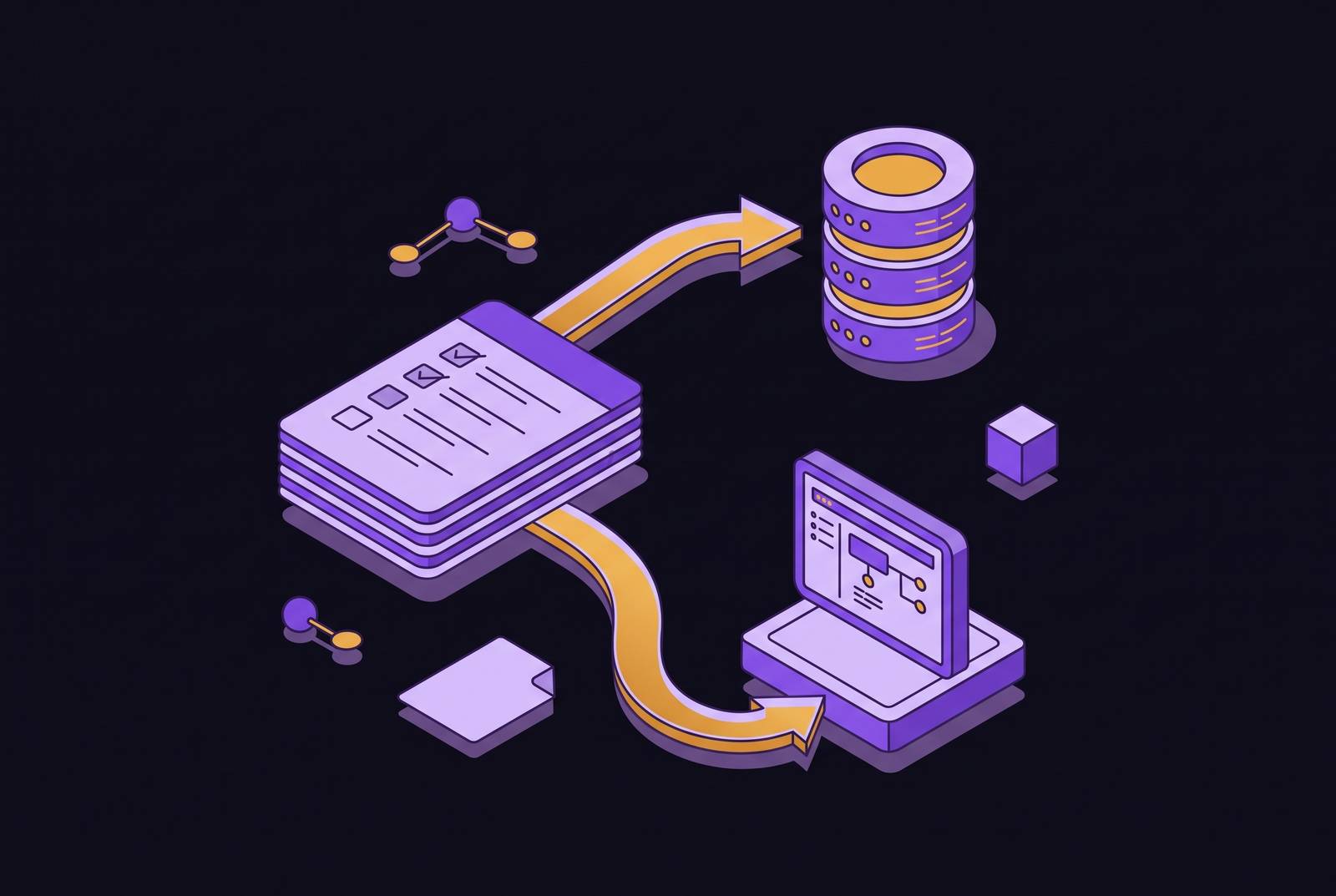
The CRM data problem is not a discipline problem. It is a structural one. The gap between what is said on a call and what lands in the CRM is created by manual handoff, and no amount of coaching closes it. Only infrastructure does.
A productive discovery call generates budget signals, competitor mentions, deadlines, and next steps. By the end of the day, the CRM note reads something like "good call, follow up Thursday." A rep who runs four calls in a day and logs them all at once is no longer working from the conversation. She is working from whatever survived it.
The downstream costs are concrete. Leadership visibility rests on gut rather than the actual voice of the customer. The problem compounds silently, deal by deal, and it looks like a rep problem even though it is a missing piece of plumbing.
What a sales call actually produces and where each output needs to go
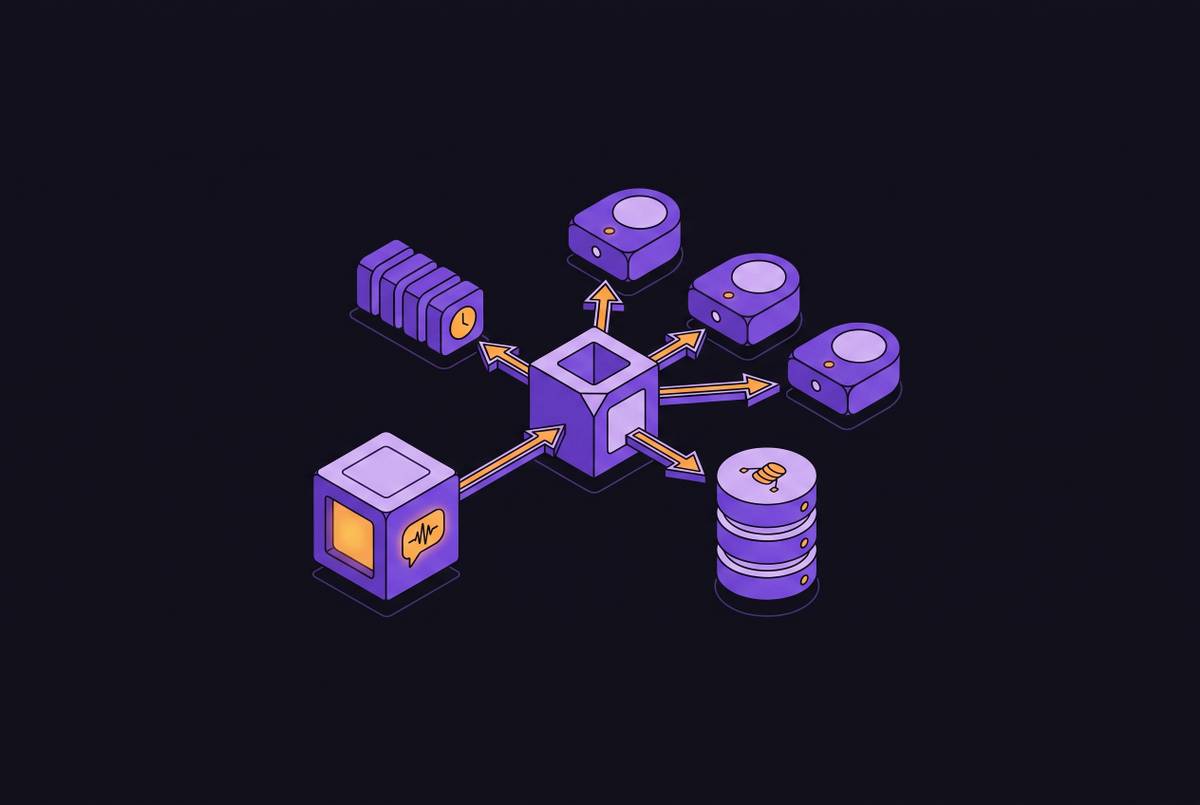
A single sales call generates several distinct types of output, and they belong in different systems. Conflating them is what makes CRM sync feel unmanageable, because teams try to force a transcript-shaped object into a field-shaped system and then wonder why nothing lines up. Customer requirements and commitments belong in the CRM against the contact, company, or deal record. Agreed follow-up meetings belong on the calendar. Assigned work items belong in the task or project system, whether that is Asana, Linear, or whatever the team already uses. Qualification signals are different again: budget, timeline, authority, and competitive mentions belong in structured CRM fields, because those fields are what reports and forecasts are built on.
The outputs are different in kind, not just in destination. A follow-up meeting is a scheduling fact. A commitment is a task. A budget confirmation is a property value. Good AI meeting tools enforce this separation, and that separation is the difference between a note someone can read and a record a system can act on.
How AI meeting tools extract and structure action items from a conversation
The reliability of any CRM sync depends entirely on what happens before the data leaves the meeting tool. Extraction quality is the upstream constraint on everything downstream. If the action item was never identified as an action item, no amount of integration wizardry can route it correctly.
AI meeting intelligence tools like Circleback run two processes in sequence. First, an automatic speech recognition engine converts audio to text. Between those two steps sits speaker diarization, which assigns each segment to the right participant. That attribution matters because a commitment is only useful when it is tied to the person who made it, not to "the call" as an undifferentiated whole.
Action item extraction is fundamentally a named-entity problem. The model must identify a task, an owner, and ideally a deadline from natural language that was never designed to be machine-readable. In-person meetings can be captured by bot-free tools that record device audio locally, so the pipeline functions even without a video conferencing link.
The difference between logging a note and writing a CRM property
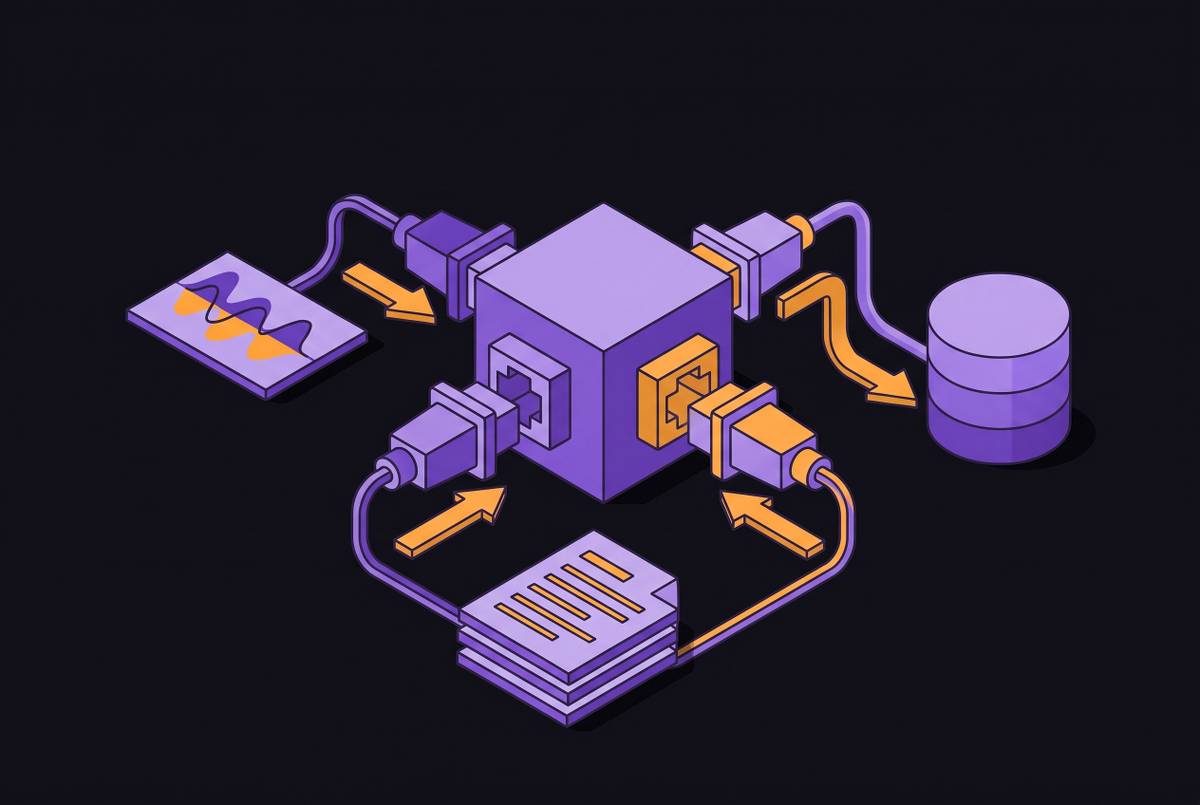
Most tools that claim CRM integration are doing something far shallower than what sales teams actually need. The gap between a timeline note and a structured property write-back is the gap between a record a human can read and one a system can act on. Timeline logging attaches the meeting summary, transcript link, and action items to the Contact, Company, or Deal as a HubSpot activity. Structured property write-back is different in kind: the tool populates the actual HubSpot or Salesforce fields that forecasts, pipeline reports, and workflow triggers depend on, including deal stage, close date, next steps, and custom properties. Airspeed's HubSpot guide frames three specific questions worth asking any vendor: does it write to the activity timeline or to structured properties, can it set dropdown and enumeration fields like deal stage to your existing defined options rather than free text, and can it write to custom properties without heavy admin configuration.
The distinction matters because HubSpot and Salesforce workflows, sequences, and reports all fire on field values. It does not move a forecast number. Tools that only log to the timeline create a two-system world where the CRM still needs a human to translate the note into a field update, which is exactly the manual handoff the automation was supposed to eliminate.
How HubSpot's native Notetaker fits into this and where it stops
HubSpot's native Notetaker is the natural starting point for teams already on HubSpot, and understanding exactly what it does and does not do clarifies why some teams will need more. It is a capable tool with a specific scope. The native Notetaker requires Sales Hub Pro or Enterprise for Smart Deal Progression, the feature that suggests AI-generated CRM updates. Core recording, transcription, and AI summaries are now available on Sales Hub Starter. It handles recording, transcript, and AI summary logged to the deal timeline with zero extra tools, and data is processed within HubSpot's sub-processor network, which includes Hyperdoc Inc. and Recall.ai. Airspeed's HubSpot guide identifies the native Notetaker as the right choice when calls are in English on Google Meet, Zoom, or Teams and the team does not need structured property write-back or methodology scoring.
The gap is precise. It does not directly trigger workflow automations based on call content, though rep-approved CRM property suggestions from Notetaker can indirectly fire property-change workflows. Teams that need structured field population, custom property mapping, or automation triggers fired by what was said on the call will need a purpose-built integration layer on top of or instead of the native tool.
What the pipeline from spoken word to Salesforce or HubSpot field actually looks like
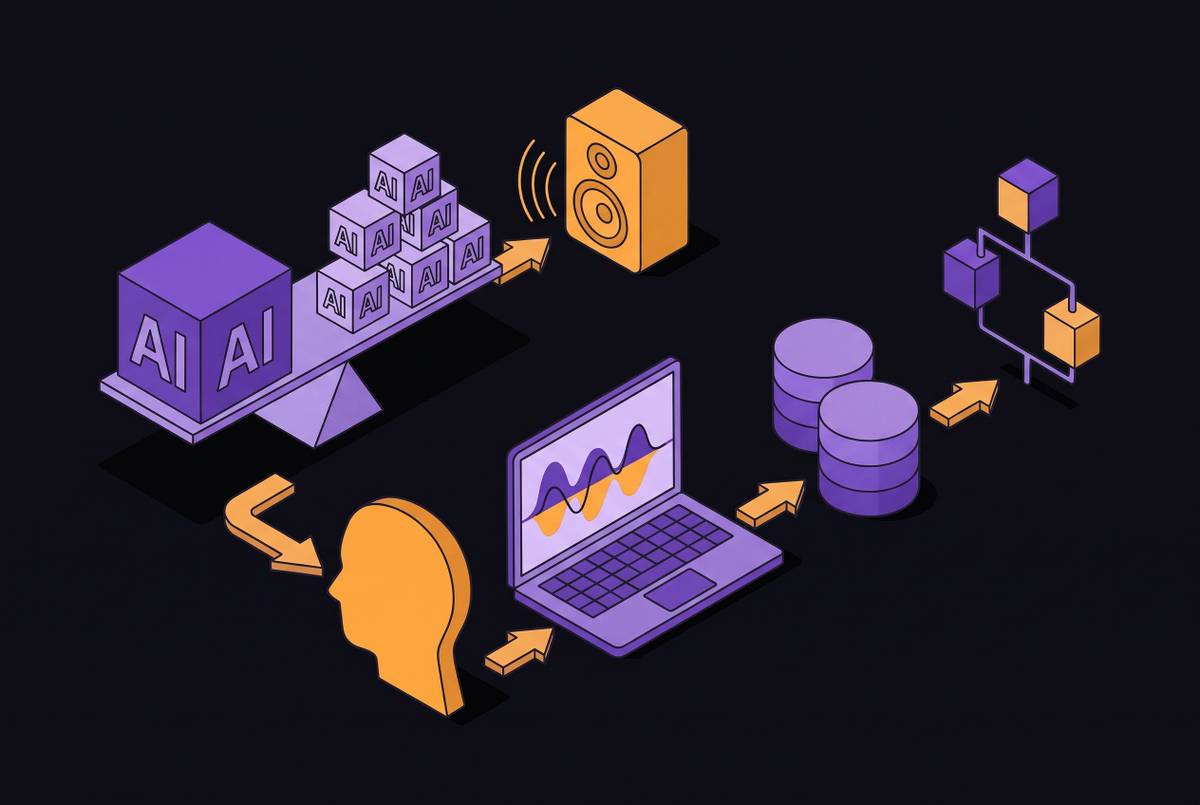
The automation pipeline has a specific sequence of steps, and a weak link anywhere in it degrades the CRM data quality that everything else depends on. The sequence is worth understanding in full, because it is the difference between a tool that works on paper and one that works on a live pipeline. The first step is capture. The second step is transcription and diarization, which produces timestamped, speaker-attributed text. The third step is structured extraction: the language model identifies action items with owners, decisions with context, and qualification signals such as a confirmed budget, a named competitor, or a set timeline as discrete structured outputs.
The fourth step is field mapping. The integration layer matches extracted values to the correct CRM object, whether Contact, Company, or Deal, and to the correct field within that object, whether standard or custom. The fifth step is write-back: the tool posts the structured data to Salesforce or HubSpot via API. When the pipeline is set up this way, buying signals can trigger instant deal-stage changes and keep forecasts accurate in real time.
Choosing between bot-based and bot-free capture for customer-facing calls
The capture method is not a minor configuration choice. It shapes what participants say, which shapes the data that reaches the CRM. A meeting bot sitting in the participant list changes the dynamic of a customer conversation in ways that matter for sales outcomes.
Bot-based tools send a visible participant into the call. Bot-free tools capture audio at the device level through a desktop app or browser extension, with nothing extra in the call. The practical guidance from Monday.com's sales note guide is that leading teams use both strategically: bot-based capture for internal check-ins and team reviews, bot-free for customer-facing calls where trust matters most.
Neither method substitutes for proper consent disclosure. Disclosure must be explicit regardless of capture method, which means the capture decision is really about conversation quality and participant comfort, not about avoiding a disclosure obligation. The choice should be made per meeting type, not set once globally.
What to look for in a tool built for HubSpot and Salesforce specifically
Because "integrates with HubSpot and Salesforce" describes everything from a transcript link to full property write-back, buyers need a specific checklist rather than a feature list. The following questions turn a vendor demo into an evaluation. Depth of write-back is the first question: does the tool write to structured properties or only to the activity timeline, and can it set enumeration fields like deal stage to your existing defined options rather than appending free text. The second is custom property mapping: can it write to the fields your team actually forecasts on, including custom ones, without requiring engineering work or heavy admin configuration. The third is object matching: does it reliably match meeting participants to the correct Contact, Company, and Deal records. A failure here means data lands on the wrong record or not at all.
The remaining questions are about follow-through. Finally, multi-language support deserves a specific check. Deals happen across languages, and a tool's extraction quality may not hold outside English even when its transcription accuracy does.
The most effective integrations work because the upstream meeting tool has already extracted structured data with high fidelity. When a tool offers both extraction quality and native CRM connectors, it can write directly to deal stage, close date, and custom properties without requiring a human translator in between. Circleback's HubSpot and Salesforce connectors operate this way, which is why the evaluation criteria above map directly onto what it does.
How Circleback routes action items into HubSpot and Salesforce
Circleback is built around the premise that notes and action items should disappear into existing workflows rather than create a new system to manage. Its HubSpot and Salesforce integrations are designed to push structured data to where work already happens, not to a Circleback-native inbox. The mechanics are straightforward. Circleback automatically generates meeting notes, captures action items, and assigns them, then routes them directly into HubSpot and Salesforce as structured records rather than attached transcripts. Action items captured in a meeting become tasks in the CRM assigned to named owners. The commitment a rep made on a call is a record in Salesforce or HubSpot within seconds of meeting end, not hours later when memory has degraded.
Circleback connects to HubSpot, Salesforce, and Attio natively, alongside Slack, Linear, Asana, and Notion. The MCP connector means meeting data from Circleback is queryable by AI assistants like Claude, ChatGPT, and Cursor. A rep can ask what the team committed to in the Acme deal last week and get a sourced answer without switching tabs.
Why speed of sync matters more than completeness of notes
The commercial advantage of automated CRM sync is not primarily about note quality. It is about the interval between a commitment being made and it becoming a tracked, actionable record in the system where follow-through is managed. Speed, not fidelity, is the variable that changes outcomes.
A rep who finishes a call and moves immediately to the next one is relying on memory for follow-up. This is not a hypothesis about rep behavior. The system holds the commitment so the rep does not have to.
The speed advantage translates directly into pipeline accuracy. Managers get real-time deal visibility without chasing reps for updates, and forecasts become defensible because they are grounded in recorded conversations rather than gut assessments. The structural solution to this problem is infrastructure that captures commitments and qualifications in the conversation itself rather than asking reps to transcribe them afterward, eliminating the delay that compounds errors and forces reps to reconstruct calls from memory when logging happens hours later.
Turning the CRM into organizational memory for the whole revenue team
When every sales call is consistently transcribed, structured, and written into the CRM, the CRM stops being a rep's personal to-do list. It becomes a shared, queryable record of what the revenue team has learned across every deal and customer interaction. The payoff shows up in specific situations. A manager running a pipeline review can open any deal and see exactly what the buyer said about budget, timeline, and competitors rather than a rep's summary of what they thought the buyer meant. Cross-deal patterns become visible. If multiple prospects in the same segment are raising the same objection, that shows up in structured field data that can be queried, something a pile of transcript files never surfaces.
Routing meeting data through an MCP connector extends this further. AI assistants can answer questions like what objections the team heard in the enterprise segment last quarter by querying the structured meeting record rather than asking a rep to recall it. This is the longer game that separates teams using AI meeting tools as a transcription shortcut from those using them as infrastructure for a smarter, more durable revenue organization. The pipeline that routes an action item into Salesforce today is the same pipeline that builds the organizational memory tomorrow.