Platform API Constraints on Third-Party Meeting Recording
Platform differences determine which recording tools work where.
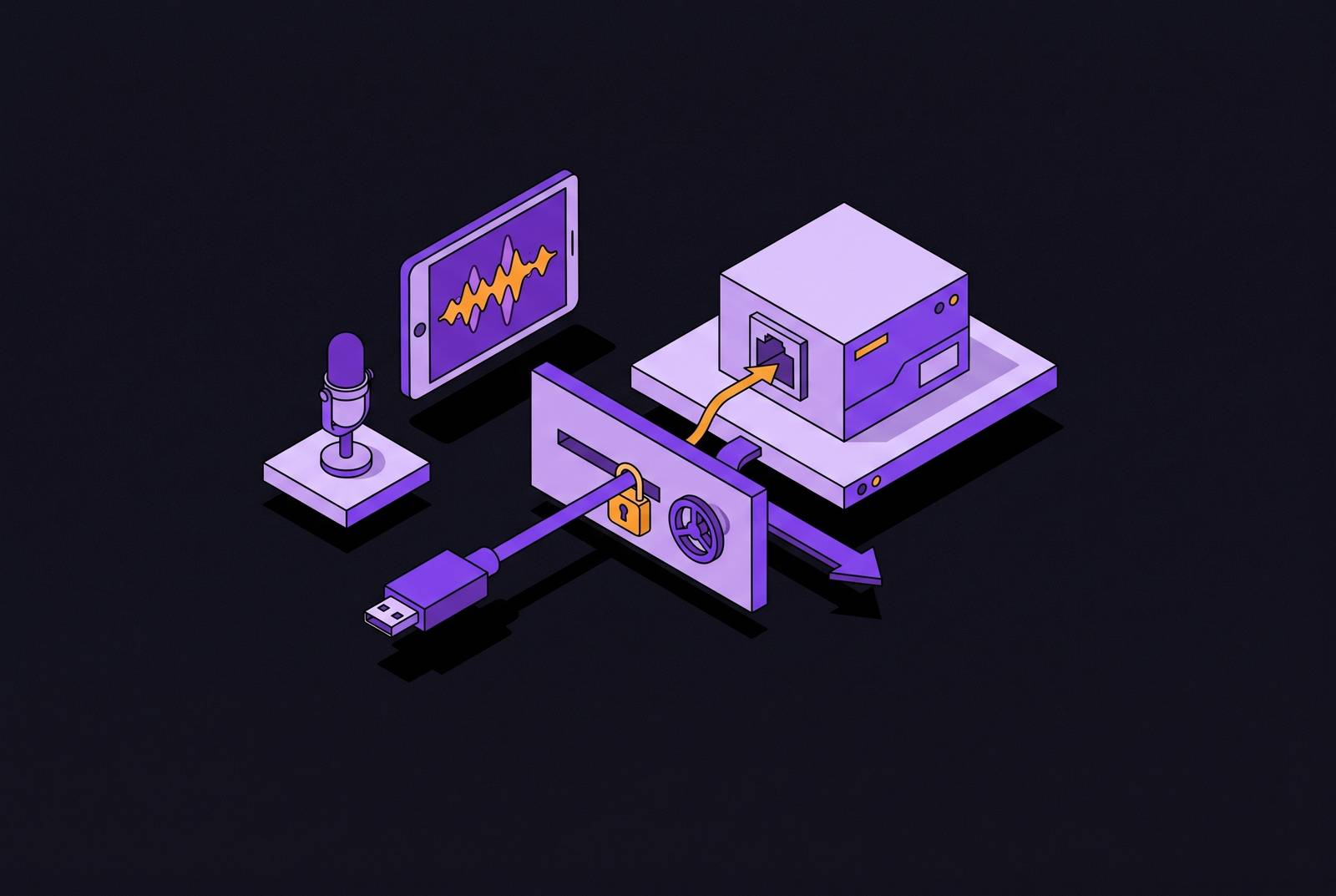
The three dominant meeting platforms never converged on a shared developer model, and the differences now determine what third-party recording tools can and cannot do. Teams grew out of the Microsoft 365 enterprise stack, where identity and policy govern everything. Google Meet evolved from consumer products like Hangouts and has historically offered the least access of the three. What looks like a product quirk is actually a platform architecture decision.
Zoom gives developers deep access to the meeting client through its Meeting SDK, including raw media streams, and that early openness remains the foundation of its ecosystem. Google Meet, by contrast, has no official framework for third-party bots to join meetings or access real-time media. Understanding these architectural differences is not a matter of grading platforms against each other. It's the prerequisite for knowing which recording tool will work reliably in which environment.
How Zoom's API model works and where it is tightening
Zoom provides the most direct and well-documented path for third-party bots, but that path now carries authentication requirements and cost barriers that did not exist a year ago. The native mechanism is the Zoom Meeting SDK, a library that handles the WebRTC connection and media processing. Circleback is built around per-participant audio because its notes, action item assignment, and routing into CRMs require knowing which speaker said what, and the speaker-attributed mixed streams on Teams and Meet introduce ambiguity during overlapping speech.
The post-meeting story is simpler. Zoom's Cloud Recording API returns completed files only. Zoom addressed that gap with Realtime Media Streams, which reached general availability in June 2025. RTMS is a sanctioned real-time path that delivers per-participant media without a bot, through a Marketplace app. It is a paid feature under the Zoom Developer Pack, with self-service plans at the public pricing page and volume discounts through Zoom Sales only above 500 credits. The path exists, but it is not free, and teams evaluating live meeting intelligence need to weigh that cost against meeting volume.
The change that matters most in practice came on 2 March 2026. Since that date, Meeting SDK bots joining meetings outside their own Zoom account must present an OBF token, short for On Behalf Of, and the user who authorized the app must already be present in the meeting. Bots either trigger a host-approved consent dialog or use OAuth-based permissions to auto-record.
How Microsoft Teams gates bot access through its enterprise identity layer
Teams bot access is not primarily a media API problem. It is an identity and policy problem, where every layer of access is governed by organizational settings and Azure Active Directory before any audio is reachable. The baseline is registering an application in Azure Active Directory and granting it specific Graph API permissions, such as Calls.JoinGroupCall.All, before any bot can interact with a meeting. All bot activity is managed through that centralized Azure application. For developers already inside the Microsoft ecosystem, this is familiar territory. For everyone else, it is a steep learning curve, because the setup has nothing to do with media and everything to do with enterprise identity configuration.
What the Graph API actually supports is instructive. What it does not have is direct support for real-time media access during live meetings. Microsoft's Real-Time Media Platform SDK runs on Windows Server in its native form, and production application-hosted media bots must deploy on a Windows Server guest operating system in Azure. That requirement alone rules out the kind of lightweight, cross-platform bot deployment that Zoom's Meeting SDK enables.
The most immediately visible constraint for users is the lobby. External bots default to the lobby and must be admitted by the host before they can participate or record. This is not a setting that third-party tools can bypass. It is built into the platform architecture. Recording and transcription are additionally gated by organizational policies, and consent flows must align with regional regulations before any data capture begins. On the audio side, Teams offers speaker-attributed audio, a mixed stream with metadata indicating who is speaking. This works for up to three concurrent speakers but lacks the precision of isolated tracks, which affects diarization quality in large or fast-moving meetings.
Why Google Meet offers the weakest native path for third-party bots
Google Meet has the least mature bot support of the three platforms, and the gap between what the platform provides natively and what third-party tools need is larger here than anywhere else. There is no official Google Meet bot framework for joining meetings as a participant. The most common developer approach is a headless browser controlled by a framework like Puppeteer or Selenium that joins a meeting by navigating to the URL as a human user would. Changes to the Google Meet web interface can break the bot's ability to join or interact with meeting controls without any API change from Google.
The admission policy makes the headless-browser approach especially precarious. One host setting, which many security-conscious organizations enable by default, can silently block any third-party recording tool from entering the meeting. The bot simply cannot get in.
Google's official answer is the Google Meet Media API, which gives access to live RTP audio and video streams during a Meet call via WebRTC, unlike the Meet REST API with its post-call artifacts like transcripts and recordings. The API does not stream transcripts or chat, only raw audio, video, and participant metadata, so developers must implement their own decoding, speaker detection via CSRC identifiers, and transcription pipeline. The required scope approval and security assessment takes four to seven weeks. Native recording on Meet is further restricted to specific Workspace editions, runs for up to eight hours, and excludes users on free plans entirely.
How third-party meeting bot APIs bridge the gaps the native platforms leave
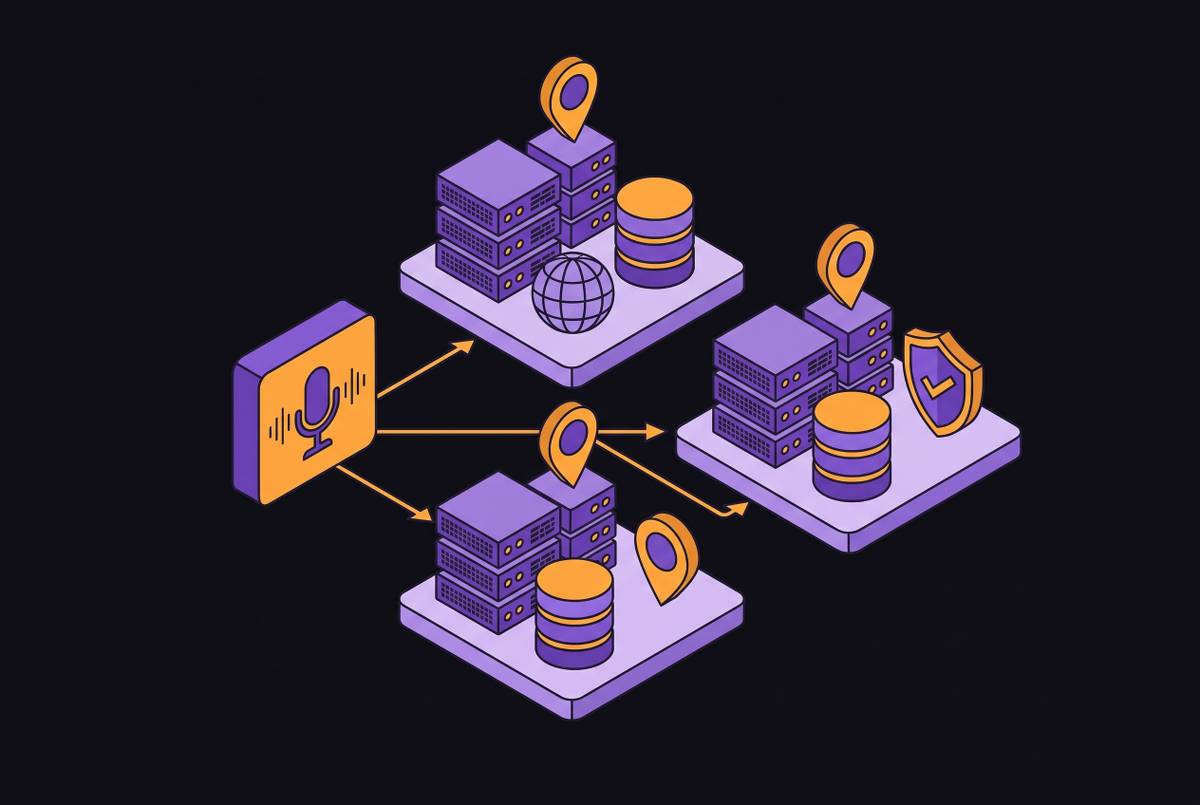
The market response to platform fragmentation is a layer of meeting bot APIs that abstract the platform-specific complexity behind a unified interface. The key abstraction is that the API handles OAuth and consent flows, joins the meeting as a visible participant, captures media streams, and delivers the resulting data to the application. One integration instead of three, so developers and end users do not have to manage three separate authentication models, bot architectures, and media formats.
How the capture works mechanically depends on the vendor. One approach, exemplified by Meeting BaaS, is a screen-recording method that captures the video conferencing UI rather than raw media streams. The alternative is accessing native SDK or media streams directly where the platform permits it. MeetStream's API illustrates the unified model in practice: a single POST request with a meeting link deploys a bot that records and streams during the call, and fires webhooks throughout the bot lifecycle, joining, recording, stopped, and post-call processing events, the same five steps on every platform. Output includes a composed MP4, plus separate audio and video URLs per participant where the platform supports per-participant streams.
The bundled versus unbundled split matters for buyers. Bundled platforms like Nylas Notetaker ship recording, transcription, calendar sync, and summaries under one vendor, with Notetaker priced as a separate add-on to the Nylas platform. That model suits product teams building CRM, ATS, or scheduling platforms that need meeting data connected to email and calendar. Unbundled approaches, where the meeting bot API only handles capture and leaves transcription or routing to other services, give developers more control over each layer.
When a visible bot is the wrong tool and desktop capture is the right one
The most consequential architectural choice for end users is not which meeting bot API to use. On Zoom after March 2026, the bot requires the authorizing user to be present in the meeting. Each platform imposes its own friction, and users experience that friction as a meeting that starts with a small administrative hurdle.
Silent desktop recording captures the meeting locally without joining as a visible participant. A desktop app captures system audio, so nothing extra appears on the attendee list, and there is no bot to admit, no lobby to manage, and no requiring the authorizing user to stay on the call. This approach suits client calls, sales meetings, HR conversations, and executive sessions where bot presence creates discomfort or signals distrust. The platform constraints reinforce the case for botless capture on Meet in particular, because the headless-browser approach is fragile and the Meet Media API requires all participants to be in a developer preview program. Desktop capture is often the more reliable path for Google Meet users who need consistent results.
What platform constraints mean for transcription quality and what actually drives accuracy differences
Transcription quality is not primarily an AI model problem. It is a capture problem, and the platform's audio architecture determines how clean the input is before any speech recognition begins. The metadata indicates who is speaking, but the audio itself is not isolated, which limits diarization precision.
After capture, the pipeline is broadly similar across tools. The real differentiator is not transcription accuracy itself, which has largely been commoditized across the leading tools. It is what happens after transcription: whether action items are captured and routed automatically, whether summaries reach the systems where work actually happens, and whether the meeting record becomes accessible organizational context rather than a file sitting in a standalone app.
How platform API constraints shape the bot-consent and recording-visibility experience users see
The consent and visibility behavior users observe in meetings is not a product design choice by the recording tool. It is largely determined by what each platform's API requires or permits at the infrastructure level. On Zoom, bots either trigger a host-approved consent dialog or use OAuth-based permissions to auto-record, both platform-mandated flows. Teams also fingerprints bots on join, so transparent identification is unavoidable for tools that rely on bot-based capture, and organizational policies gate recording and transcription before any third-party tool can act.
On Meet, the admission setting is the primary control. When a host restricts who can join, bots are excluded automatically. But when the setting is permissive, a bot-based tool can join without any explicit per-meeting consent prompt from the host. Platform API mechanics can facilitate or complicate consent, but they do not substitute for it. No jurisdiction currently treats the visible presence of a recording bot in a meeting's participant list as legally sufficient notice or consent. Informed consent requires that participants understand what is being recorded, how it will be used, who has access, and how long it is retained.
Cross-state and cross-border exposure compounds the issue. GDPR similarly requires a valid lawful basis, such as explicit informed consent, legitimate interest, or legal obligation, and transparency with all participants for recordings in Europe. These are not constraints any recording tool can remove. They are the legal backdrop against which the platform API mechanics operate.
Practical decisions for teams navigating platform constraints today
Understanding platform API constraints is not an academic exercise. It determines which tools work reliably in a given environment, what fallbacks exist when native APIs fall short, and what configuration decisions users need to make before their first meeting is recorded. For Zoom-heavy teams, the immediate priority is confirming that the authorizing user will be present in meetings where bots are deployed, given the March 2026 OBF requirement. If real-time audio is needed for live coaching or in-meeting intelligence, teams should evaluate whether RTMS pricing under the Zoom Developer Pack is justified at the organization's meeting volume. Bot-based capture on Zoom offers the best per-participant audio quality of the three platforms, a genuine advantage for diarization-dependent use cases like sales call analysis.
For Teams-heavy teams, the key task is verifying that the organization's bot admittance policy allows external bots to be admitted from the lobby. If they do, bot-based tools will be silently denied without error. The Google Meet Media API is not a viable near-term option for most teams, given the developer preview enrollment requirement for all participants, the month-plus approval timeline, and the absence of a transcript stream. Desktop capture is the most reliable path for Meet users who need consistent, session-agnostic recording.
For mixed-platform teams, a tool that supports both bot-based and botless capture, and handles the platform-specific authentication for Zoom, Teams, and Meet behind a single interface, removes the need to manage separate tools per platform. Circleback works across online and in-person meetings, supports both capture modes, and connects to the CRMs, project tools, and communication platforms where meeting outputs need to land, so the choice of meeting platform does not determine what the tool can do with the output. Teams that use AI assistants alongside meeting tools should also evaluate the MCP layer. When the capture layer is reliable and the outputs route automatically into the right tools, every meeting becomes searchable, recoverable organizational context rather than a communication event that disappears when the call ends.