Multilingual Meeting Transcription Accuracy
Most vendors advertise accuracy their benchmarks never actually test in real multilingual meetings.
Multilingual meeting transcription accuracy comes down to five things stacked on top of each other: how much training data a language actually has, how a model handles accents and dialects, whether it can follow a speaker who switches languages mid-sentence, how well it tracks who's talking in a crowded room, and what condition the audio was in before any processing even started. Vendors routinely advertise 95 to 99% accuracy across 100-plus languages under conditions most meetings never come close to meeting. The distance between a clean benchmark and a live, multilingual, multi-speaker call is exactly where trust erodes and subscriptions get canceled. Most teams are buying based on the wrong number, and the rest of this piece is about which numbers actually matter.
The architecture of AI transcription engines shapes multilingual performance from the start
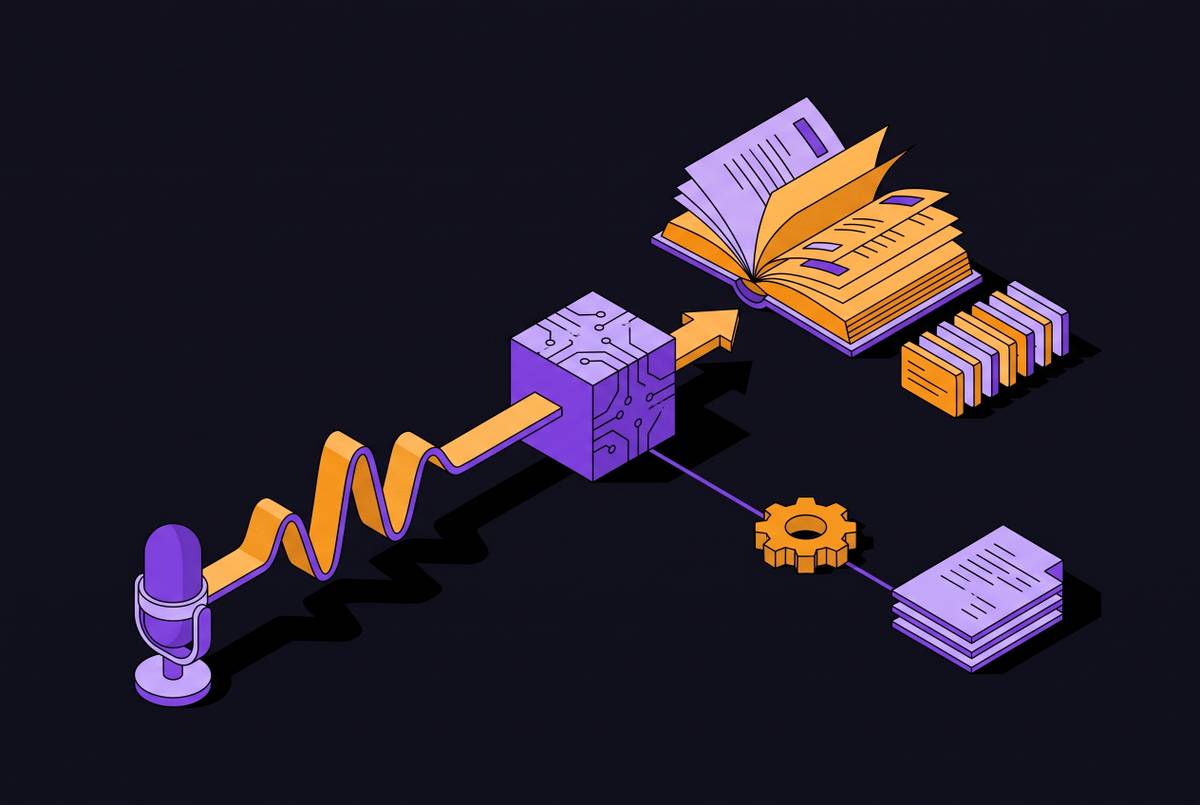
Every transcription system runs the same basic pipeline. Audio comes in, an acoustic model turns sound into phonetic units, a language model decodes those units into words and sentences, and the result gets written out as text. The acoustic stage and the language stage are trained separately in most systems, and both carry their own blind spots. If the acoustic model has never heard a given regional accent, it will mishear the phonemes before the language model even gets a chance to guess the right word.
Three engines show up constantly in production: OpenAI's Whisper, Deepgram, and AssemblyAI. Other serious options exist as well, each suited to different latency needs and deployment setups. Whisper is open source and remains a strong reference point for accuracy; it can be self-hosted on GPU hardware, which matters for teams with data residency requirements. But Whisper's multilingual performance rises and falls with how much training audio existed for a given language, and that constraint applies to every other engine too, not just Whisper.
That's why "supports 120-plus languages" tells a buyer almost nothing about quality. High-resource languages have far more training data behind them than lower-resource languages do. A model can genuinely support 120 languages and still produce unusable output for 80 of them, and a vendor's language count is a count of what the model attempts, not what it does well.
Automatic language detection adds another wrinkle. Ucstrategies.com notes that automatic language detection can adapt to unexpected shifts but needs a few seconds to calibrate at the start of a call. In a live meeting, those seconds and that early miscalibration matter, especially if the first exchange sets the tone for a transcript that never fully recovers.
Transcription itself is turning into a commodity layer. The differentiation increasingly lives in action item extraction, decision tracking, and searchable meeting memory, but none of that means anything if the transcript feeding it is wrong. Word Error Rate is still the standard yardstick industry-wide, and the next section gets into why that yardstick bends so easily.
Published WER benchmarks mislead; a realistic accuracy range looks different
A comparison from oliv.ai found that the same transcription tool scored 92.8% in a 500-hour benchmark and noticeably lower in a turn-level study. Nothing about the underlying model changed between those two studies. What changed was how the score got calculated: WER measured over long stretches of clean audio looks nothing like WER measured turn by turn in real conversation, where short utterances, interruptions, and filler words all count against the model.
Gladia.io puts a number on the gap that benchmarks paper over: standard WER benchmarks degrade by several times over once you move into production multilingual meeting conditions. That's not a rounding error. A tool that looks production-ready on a spec sheet can fall apart in a Tuesday standup, and the spec sheet won't tell you why.
AI transcription on clean audio tops out around 85 to 95% accuracy. Human transcription clears 99%, but it costs $0.72 to $1.70 per minute, against $0.006 to $0.25 per minute for AI. That price gap is the real cost of closing the last few points of accuracy, and it's the whole reason hybrid workflows exist.
Benchmark audio is usually studio-quality, one speaker at a time, one language throughout. Meetings break all three conditions at once. So when a vendor claims 95 to 99% accuracy across 120-plus languages, check whether that number describes pure AI output or a hybrid pipeline with human review folded in. Ucstrategies.com is explicit that its "up to 99%" figure applies to workflows combining automated detection with human-in-the-loop verification, not to AI transcribing a live call unassisted. That distinction alone should end most vendor comparisons before they start.
Test tools on actual meeting recordings in the actual language mix a team uses, not on a published number. Raw word accuracy on clean English has largely converged across the major vendors at this point. The number on the homepage is the least useful piece of information in the whole decision. Clean-audio benchmarks never test background noise, overlapping speech, or accented and code-switched speech, and accuracy separates sharply when those conditions occur.
Training data coverage and uneven accuracy across languages, accents, and dialects
Language counts, whether a vendor says 49, 53, or 100-plus, describe breadth, not depth. A model trained on millions of hours of English audio and a few thousand hours of a less common language will produce dramatically different error rates for each, even though both technically sit on the same "supported languages" list. Treating that list as a quality signal is the mistake most buyers make.
Accent and dialect handling compounds the problem inside a single language. A model tuned mostly on standard American English will stumble on Indian English, Nigerian English, or Scottish English, despite all three being English in name. Ucstrategies.com notes that natural language processing models often struggle specifically with rapid shifts between distinct vocabularies, a limitation that appears constantly in global teams where regional terminology and standard usage mix inside the same conversation.
Low-bandwidth microphones make accent-related errors worse. A non-native speaker on a compressed audio stream is close to the hardest input a model can face, especially if that accent was underrepresented in training.
Buyers should ask vendors direct questions: which languages sit in the training set and at what volume, whether accent diversity within a language gets addressed explicitly, and whether the vendor distinguishes between languages it lists as "supported" and languages it actually performs well on. Sonix's multi-language transcription feature, where users specify every language present in a file and the system identifies switches between speakers, is one architectural attempt to deal with this. It still doesn't switch mid-sentence reliably, and the underlying accuracy for each language still depends on how much training data that language had to begin with.
Code-switching: the accuracy failure mode most likely to drive user churn in multilingual teams
Code-switching, moving between languages mid-sentence or mid-phrase, is identified by gladia.io as one of the primary challenges in multilingual meeting transcription. It isn't a fringe case. Global tech and business meetings run in English peppered with local technical terms constantly, and bilingual teams drift between two languages all the time without any signal that a shift is even happening.
The technical problem is specific. A language model's probability distribution is calibrated for one language at a time, so an unexpected switch mid-utterance creates a context mismatch that produces garbled output, even when the model handles each language competently on its own. Contextual awareness, holding onto meaning across a dialect or vocabulary switch, is a meaningful gap between tools in multilingual settings. Without it, everything downstream, summaries, action items, decision logs, degrades along with the transcript.
Sonix and Happy Scribe are named specifically by ucstrategies.com's 2026 guide as tools that manage complex code-switching effectively in mixed-language settings. That's a claim tied to those two products by name, not something to assume of every tool on the market.
Teams evaluating a tool should test this directly: record a meeting with a real language shift partway through, then check whether the transcript stays coherent across that boundary. The failure is easy to miss otherwise, because WER calculated separately per language can look fine while the cross-language segments come out unusable. Aggregate benchmarks average this problem away instead of catching it.
Speaker diarization compounds transcription errors in larger multilingual meetings
Diarization answers a different question than transcription does: who said it, and when. When diarization errors stack on top of word-level transcription errors, gladia.io notes that the combined output can turn unusable even at a WER that would look acceptable in isolation.
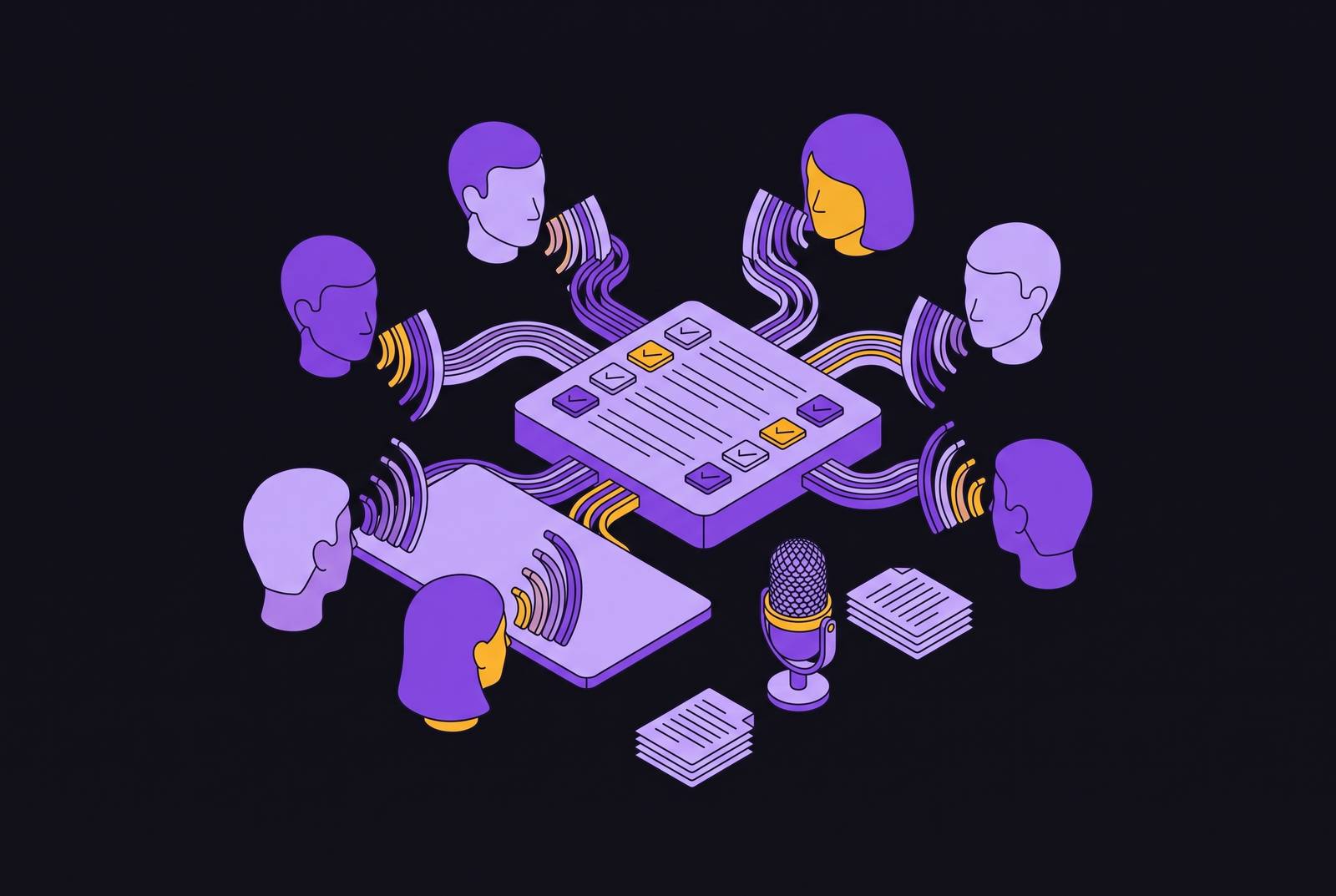
The degradation curve is steep. Oliv.ai's 2026 analysis found tools holding 88 to 95% diarization accuracy with two speakers, but most drop below 80% once a call reaches eight speakers with any crosstalk. Multilingual meetings make this worse, since a speaker switching languages is also shifting the acoustic patterns that voice-tracking models rely on to tell speakers apart. Crosstalk, two people talking over each other, does the most damage of any single condition, because the words and the attribution fail at the same moment.
For action item tracking, a misattributed task isn't a minor inconvenience. A task assigned to the wrong person is arguably worse than no task at all, since it creates false accountability that somebody has to notice and untangle later, usually after the deadline has already passed.
The practical lesson here is blunt: a tool's diarization performance on a two-person call says nothing about how it holds up on a twelve-person all-hands running across five languages with people talking over each other. Test the format that matches the meeting. Oliv.ai's 2026 roundup singles out join reliability and speaker attribution under crosstalk, alongside CRM write-back, as the areas still meaningfully separating one tool from another, distinct from raw word accuracy, where the leaders have mostly caught up to each other.
Audio quality and recording setup and their effect on accuracy before the AI sees a single word
AI transcription reaches 85 to 95% accuracy on clean audio, and that ceiling drops fast once the audio gets noisy, compressed, or split across multiple devices, no matter which engine is doing the work. Remote meetings bring compression artifacts from video conferencing codecs. In-person meetings bring room acoustics, background noise, and speakers sitting too far from a microphone.
Low-bandwidth connections hurt accented speech disproportionately, because the frequency ranges that carry accent-specific information are often the same ranges compression algorithms cut first to save bandwidth. That's a physical constraint of how compression works, not something a vendor can engineer around with a better model.
Bot-based tools, the ones that join a call as a visible participant, depend entirely on the conferencing platform's audio stream, whatever quality that stream happens to be. Desktop recording setups that capture system audio directly can sidestep some of that codec loss.
Dedicated microphones instead of laptop mics, a stable network connection, and sensible speaker placement hold up as a short, practical checklist across every tool on the market. Some platforms even surface audio quality warnings live during a call, which is a small feature that saves a lot of after-the-fact cleanup. For in-person multilingual meetings specifically, one room microphone picking up several speakers at different distances is close to the worst input you can feed a model, and it hurts transcription and diarization at the same time.
What the tool landscape looks like for multilingual meeting transcription
Evaluate the tools below through the lenses built above: language depth, code-switching handling, diarization quality, audio robustness. Language count and headline accuracy numbers on their own don't tell a buyer much, and a vendor comparison that stops at those two numbers isn't really a comparison.
Sonix supports 53-plus languages, claims up to 99% accuracy, and offers a multi-language transcription feature for files containing more than one language, along with automatic single-language detection. Ucstrategies.com's 2026 guide names it as one of the tools that manages complex code-switching effectively, and it's built for high-stakes enterprise documentation with detailed editor-level corrections.
Happy Scribe offers coverage across dozens of languages through a hybrid model, and it is named alongside Sonix for code-switching handling. It's named alongside Sonix for code-switching handling and carries strong subtitle tooling for video work.
Trint includes live transcription and is built with journalists and media production workflows in mind. Its "Story" feature pulls quotes directly into scripts, with real-time collaboration built around that use case.
Transkriptor is positioned by ucstrategies.com around automating transcription at scale for global operations. Specific language counts and accuracy figures beyond general category benchmarks aren't established in available sources, which matters to anyone evaluating it on paper alone.
Amberscript is built specifically around privacy compliance and secure documentation, aimed at regulated industries where that matters more than raw feature count.
Rev runs an AI-plus-human hybrid, with a human review option that improves attribution accuracy, priced per minute forubscription, reaching 99%-plus accuracy on human-reviewed output.
Fathom transcribes in 25 languages, integrates directly with Zoom, Google Meet, and another major video conferencing platform, and prices paid plans from $15 per user per month billed annually, with a free version for individuals.
Ucstrategies.com reports that teams using tools claiming 95% accuracy across 120 languages still lose 75% of administrative time to manual corrections. That single figure says more about the gap between language count and usable accuracy than any percentage on a pricing page.
Bot-based and bot-free recording architectures and their effect on multilingual accuracy and consent
Bot-based tools join a call as a visible participant and depend on whatever audio stream the conferencing platform hands them. The platform's own compression and codec choices set a ceiling on transcription quality before language modeling ever gets involved.
Bot-free approaches, where software captures system audio directly on the device instead of joining as a participant, avoid some of that codec loss. That matters most for accented speech and low-bandwidth calls, since those are exactly the conditions where compression artifacts do the most damage.
Neither approach wins outright, and choosing based on novelty rather than context is a mistake. A visible bot in the meeting is the honest choice in plenty of settings, especially where every participant needs a clear, unambiguous signal that recording is happening and consent is on record. A bot-free desktop capture earns its place where a lighter footprint reduces disruption, or where the meeting platform's own audio pipeline is already the weak link dragging accuracy down. The real choice is a tradeoff between transparency and audio fidelity, and where a team should land depends on the meeting, the participants, and the regulatory environment they operate in, not on which architecture happens to be newer.