Bot-Based vs. Bot-Free Meeting Capture Architecture
The capture method you choose determines platform compatibility, consent risk, and data residency.
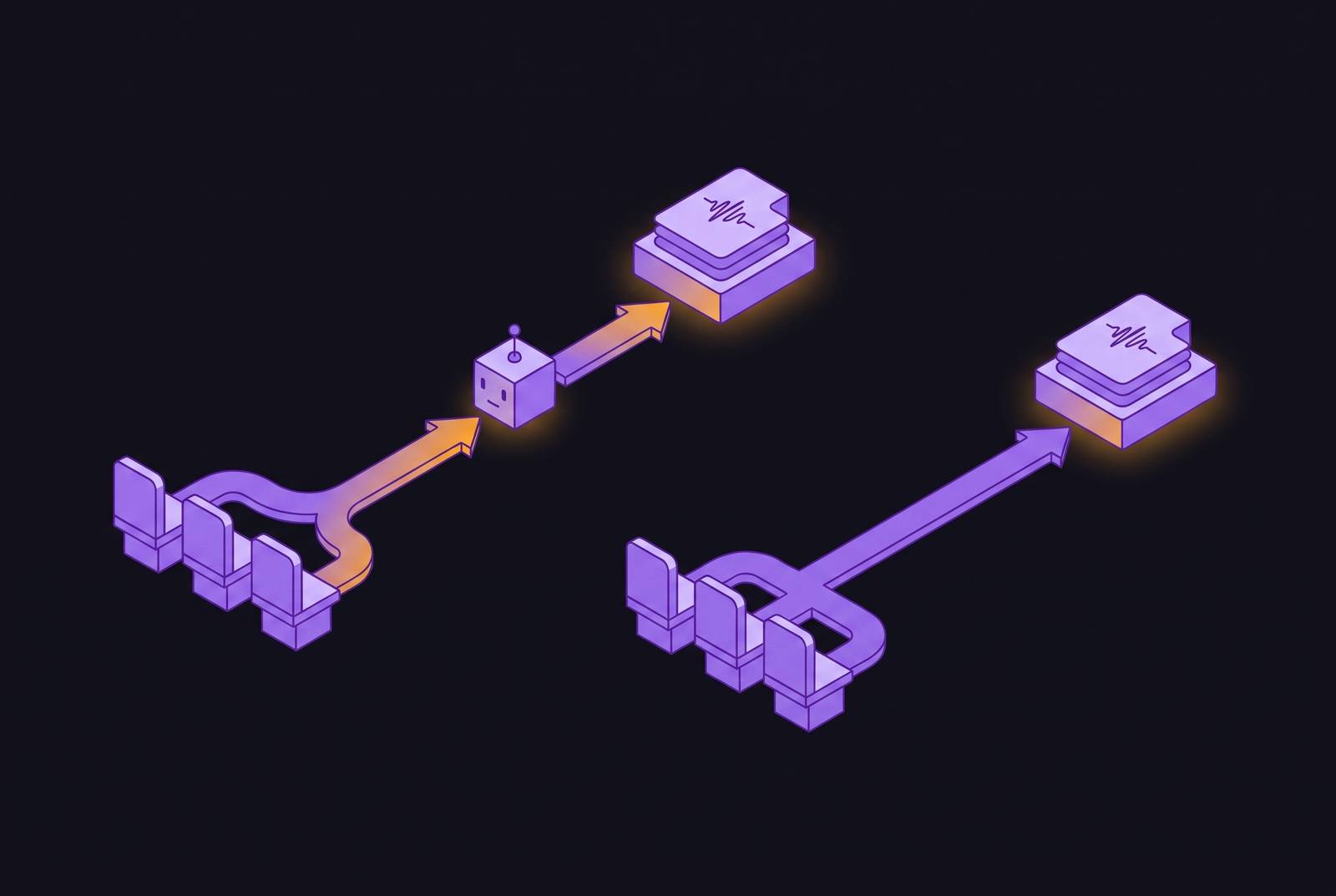
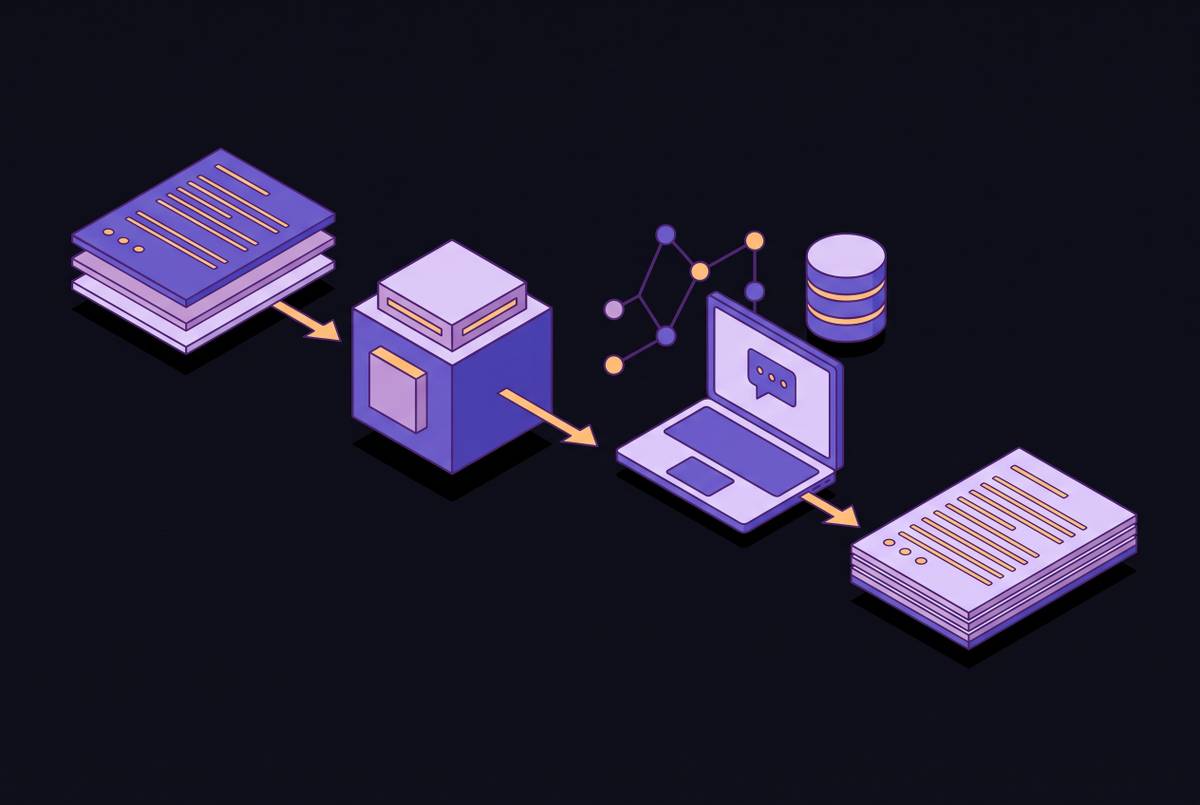
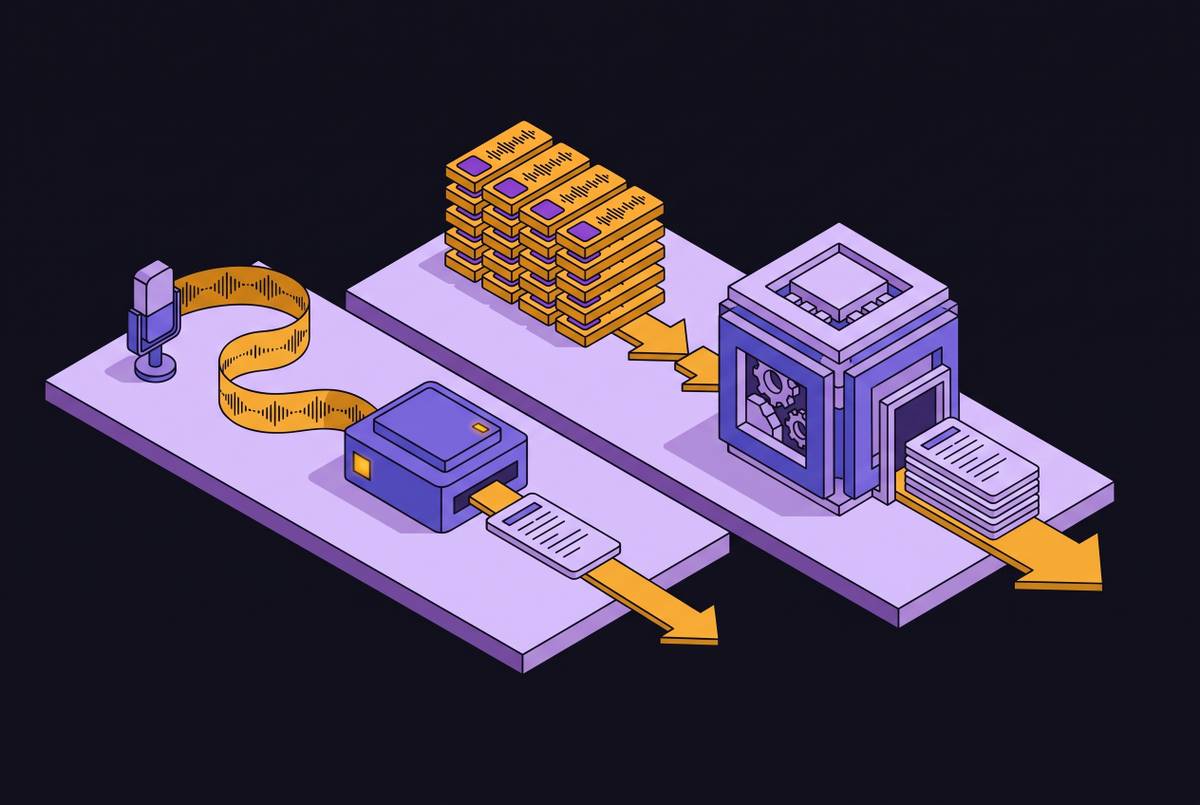
Bot-based and bot-free capture are not two flavors of the same product. They are different architectures, and the choice between them governs how audio enters the system, where that audio travels once it leaves the meeting, and who can see the recording happening while it's underway. Bot-based capture puts a separate piece of software into the meeting as its own participant: it authenticates through OAuth, requests entry, and shows up in the participant list with a name and an avatar, streaming audio back to the vendor's cloud for processing. Bot-free capture skips that step entirely because it records directly from the host's own device, pulling in system audio output and microphone input at the operating-system level, so nothing joins the meeting as a participant and nothing appears on anyone's attendee list. A third path exists too: the native AI tools built directly into Zoom, Google Meet, and Microsoft Teams, which sidestep the choice between third-party tools altogether, though the decision most organizations actually face is between bot-based and bot-free third-party tools, and that's the decision this piece works through. Everything downstream, the transcript, the summary, the action items, runs through roughly the same pipeline in both models. What differs is the capture step itself, and that single difference in data path is what ends up deciding platform compatibility, visibility, consent posture, and data residency, the four questions the rest of this piece works through in order.
How bot-based capture works
Bot-based capture only works if the meeting platform agrees to let an outside participant in, so its reliability depends on decisions a platform makes, not decisions the tool vendor makes. Mechanically, the bot behaves like any other guest: it authenticates via OAuth, requests entry through the lobby, and appears in the participant list exactly as a human attendee would. Once admitted, it streams audio and video to the vendor's servers, and the transcript, summary, and action items get produced in that cloud environment before returning to the user. That path has a real upside: because the bot sits inside the platform's own session, it receives participant metadata, names, calendar identities, roles, that makes attributing speech to the right person considerably easier than sorting it out from a blended audio feed. Circleback offers both bot-based and bot-free capture paths: its bot joins as a visible participant and streams audio to Circleback's cloud for processing, while its desktop recording option captures microphone and computer audio locally without a bot joining as a participant, which makes it a useful case study for how these two architectures create different trade-offs in visibility, consent, and data flow. But the convenience comes bundled with a chain of dependencies: the platform has to admit the bot, the platform has to let it record, the vendor's cloud has to process the stream and return results, and all of that has to happen successfully on every single call. For tools that opt for bot-based capture, like Circleback's visible-participant mode, that dependency chain is structural: each link now sits outside the vendor's control, and that's precisely the vulnerability the next section addresses.
How bot-free capture works
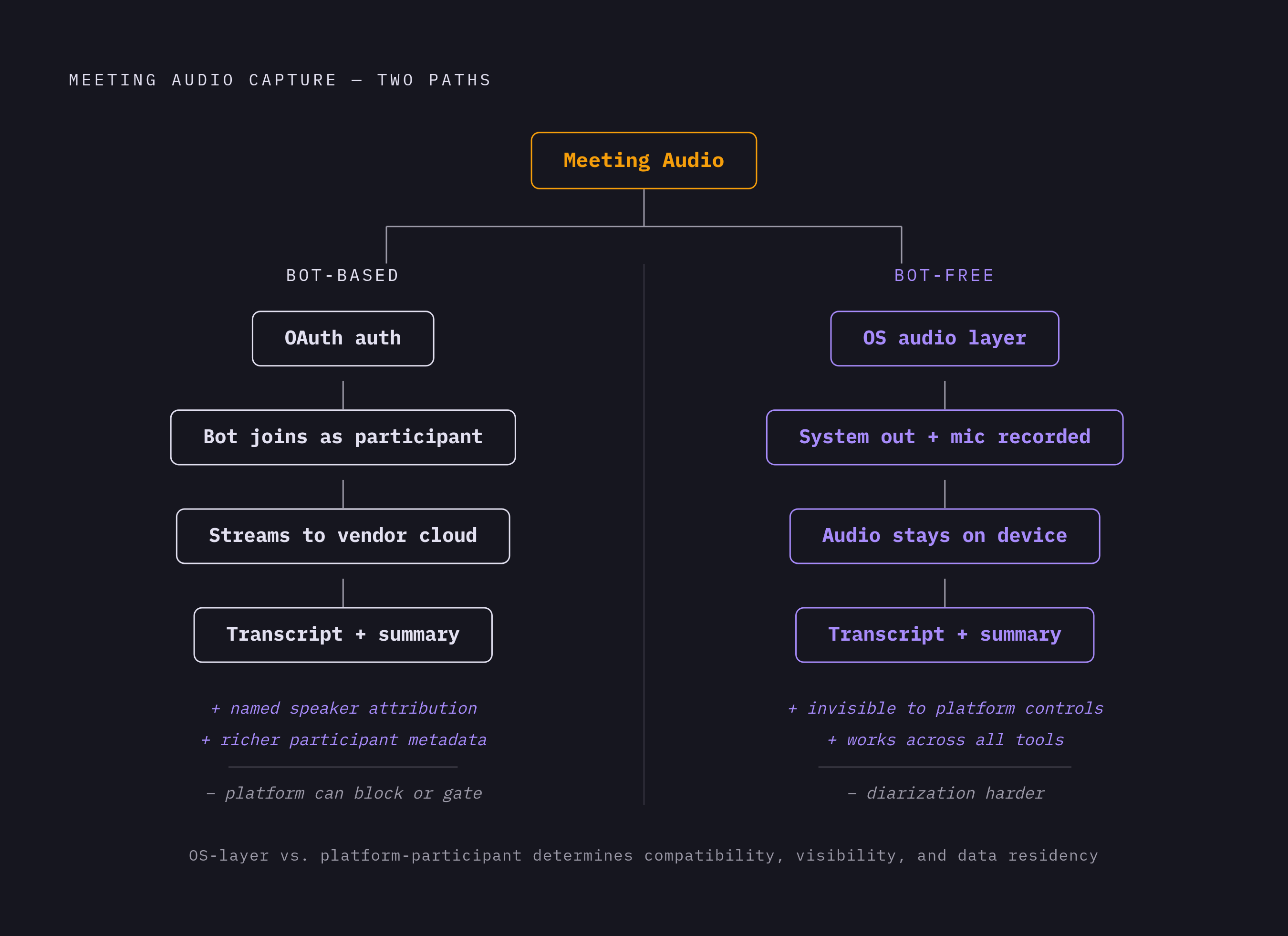
Bot-free capture removes the need for platform admission by recording at the OS audio layer instead of inside the meeting itself, but it picks up two new constraints in exchange: speaker attribution becomes harder, and the decision of where captured audio travels falls to whoever builds the tool rather than to the architecture itself. The mechanism is straightforward: the recorder captures system audio output, whatever the meeting software is playing through the speakers, along with microphone input, directly from the host's device. Because Zoom, Google Meet, Teams, and any browser-based conferencing tool all route their audio through the same operating-system layer, one recorder works across all of them without needing separate integrations for each. Meetily's own description of this workflow lays out the steps: grant the operating system permission to capture system audio, start the call, and the audio captures and transcribes locally, with no platform integration configured. Because no separate participant ever joins the call, there is nothing for a platform administrator to detect, gate, or block; the architecture is invisible to platform-level controls simply by how it's built, not because of any evasion on the vendor's part. Diarization gets harder when speakers share similar vocal profiles, because without the labeled, platform-supplied metadata a bot receives, separating voices in a mixed audio stream depends on voice-pattern analysis alone. The bot-free architecture eliminates platform dependency by operating at the OS audio layer, but this gain comes with a trade-off that tool vendors must decide on separately: bot-free does not inherently mean audio stays on the device. Circleback's desktop recording, for example, captures locally but can still upload to the cloud for processing, while some bot-free tools pair local capture with on-device transcription, so audio never leaves the host's machine. There's a practical limit too: most bot-free tools need the host to actually be a participant in the call, so a colleague joining from a different machine has to run their own instance of the desktop app to get their own recording.
Platform Policy in 2026 and Bot Reliability as an Architectural Property
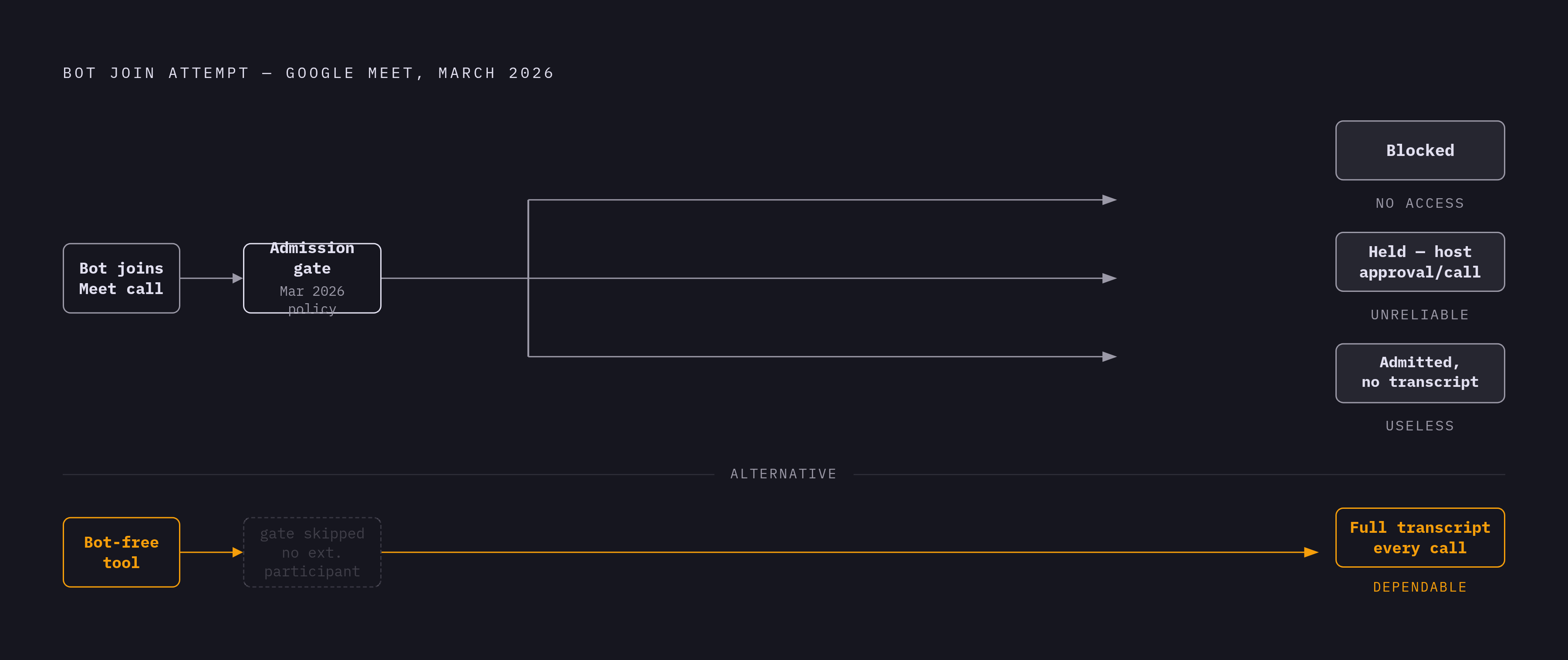
Microsoft Teams and Google Meet have started actively detecting and gating third-party notetaker bots, and because the platform's controls run before the tool's own logic ever gets a chance to execute, that shift turns bot-based reliability into a property of the architecture, not something a vendor can fix with a patch. In Google Meet's March 2026 update, third-party notetaker bots get flagged as a potential risk and denied entry by default; higher-risk join requests get routed into a separate safeguarded flow where denial is the default action, and a host has to manually override it to let the bot in. Admins do have to enable this auto-blocking behavior for it to take effect, so it isn't forced on every tenant automatically, but where it's switched on, a bot-based tool now faces three possible outcomes on any given call: blocked, held pending manual host approval every single time, or admitted but barred from generating a transcript. None of those outcomes gives a team something it can build a dependable workflow around. Bot-free tools are untouched by this, because there's no external participant for a platform to notice. A bot-based tool has no way to engineer around a platform-level block, while a bot-free tool simply can't be blocked by one.
Where consent and compliance law intersect the architecture decision
Architecture shapes legal exposure because the capture method decides what data gets collected, where it ends up, and whether a voiceprint gets extracted along the way, and none of those questions get answered just because a bot is visible in the room or a platform lets it in. A bot's presence on the participant list is not, by itself, legally sufficient notice or consent under any current jurisdiction; consent under U.S. state wiretapping statutes and under GDPR requires informed agreement that actually covers what's being recorded, how it will be used, who gets access to it, and how long it will be kept. All-party consent states in the U.S. require affirmative agreement from every person on the call, and in Kearney v. Salomon Smith Barney (2006) established that if a Californian participates from inside the state, California's consent law follows the call, no matter where the other party sits or where the recording happens. GDPR also requires that you inform participants of their rights over the recorded data, because recording a conversation is itself an act of processing personal data. The EU AI Act raises the stakes further for specific use cases, since AI notetakers used in recruitment or in employee monitoring and evaluation may qualify as high-risk AI systems, triggering obligations around system monitoring, log retention, and human oversight. None of this amounts to legal advice, but the architecture does carry real consequences for risk: on-device transcription that never uploads audio removes the interception, cloud-transmission, and voiceprint-extraction steps that create most of this exposure. The clarification that matters most for buyers weighing this trade-off is that bot-free does not automatically mean on-device. If a bot-free tool still uploads its audio to a vendor's cloud, it transmits personal data just as a bot-based tool would and still needs the same consent in place, so you only get the full compliance benefit of bot-free capture once you pair it with processing that stays on the device. Organizations that treat "no bot" and "no cloud" as the same thing may believe they've closed a compliance gap they've only partly addressed.
How the capture architecture shapes what happens to meeting data after the call
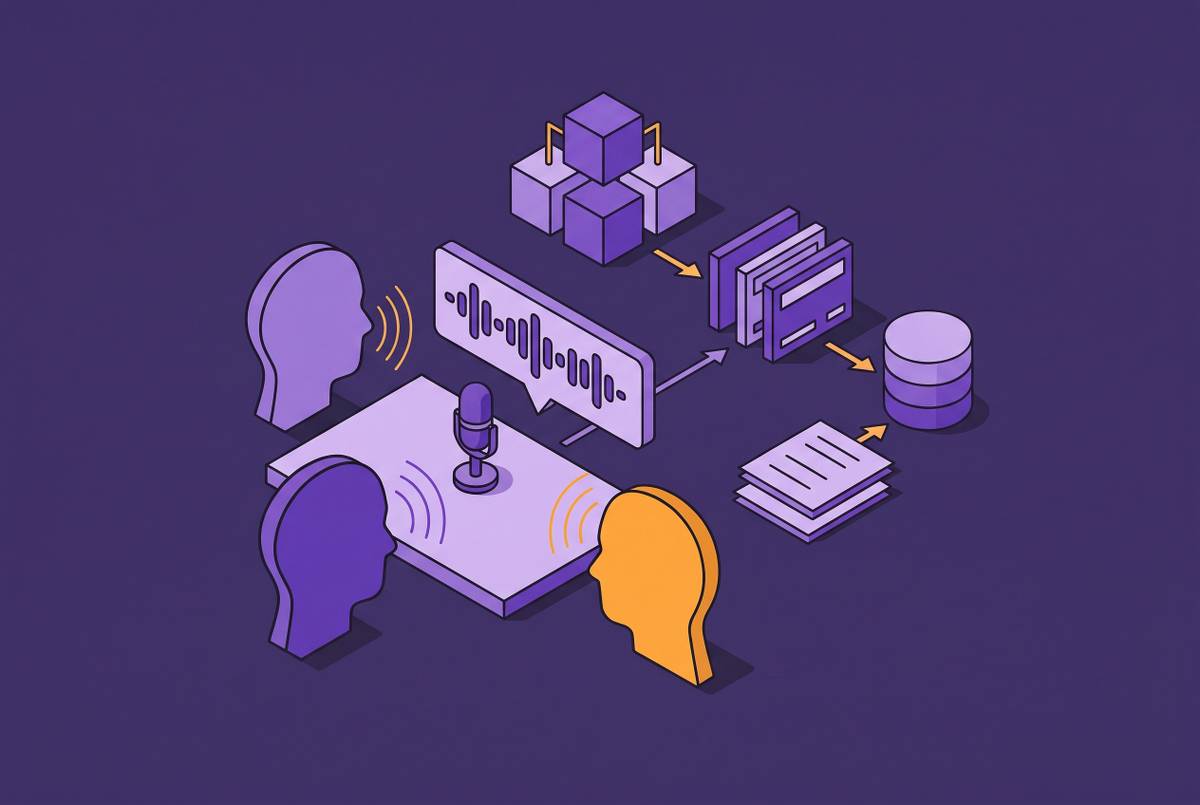
Architecture doesn't just set risk, it sets capability: what a team can automatically do with a transcript afterward depends heavily on which capture path produced it. Bot-based tools historically pull richer session metadata straight from the platform, participant names, calendar context, meeting identifiers, which makes it easier to populate CRM fields automatically, update deal records, and assign action items to the right named person without anyone touching the record by hand. That produces a post-meeting loop that runs on its own in bot-based tools connected to systems like HubSpot, Salesforce, Attio, Linear, Asana, and Slack: transcript becomes AI summary, summary updates the CRM contact record, and the next set of tasks gets created, all without a user in the loop. Bot-free tools can plug into the same downstream systems, but because they lack the platform's participant metadata, they may need a person to confirm who said what before action items get routed to specific names. A stack of individual call transcripts turns into organizational memory once it's exposed through something like an MCP server or built-in AI search: a coding agent can pull product requirements straight out of old customer calls, a sales agent can update CRM records from a past discovery conversation, and a new hire can search for a decision instead of tracking down the colleague who remembers it. The Model Context Protocol, or MCP, is an open, shared standard, so building one MCP server for a meeting intelligence system lets any compatible AI agent, Claude, ChatGPT, Cursor among them, query the same meeting data without anyone copying and pasting transcripts between tools. Where the data physically lives still matters for how usable it is later: audio and transcripts stored in a vendor's cloud stay reachable for search and for MCP queries at any time, while audio processed and stored only on a device requires that specific device to be available whenever someone wants to query it.
Which meetings favor bot-based capture versus bot-free
The right architecture for a given meeting comes down to three variables: who's actually in the room, which platform the meeting runs on, and where the resulting data is allowed to go, and most organizations will find they need both architectures rather than settling on one. If you hold internal meetings on a platform your organization controls, where consent disclosure is already built into the meeting invite and rich CRM integration tied to named participants matters most, bot-based capture is the lower-friction choice. Bot-free capture is the better fit when the meeting runs on Teams or Meet with admin controls already set to gate external bots, when external clients, candidates, or partners are on the call and a visible recorder would change how openly people talk, when the data has to stay inside a specific jurisdiction, or when internal IT policy bars external bot participants from joining calls. In-person meetings settle the question by necessity: no bot can join a conversation happening in a physical conference room, so system-audio or hardware capture is the only option available. Sensitive conversations, legal discussions, HR matters, investor calls, M&A negotiations, tend to need accurate capture and a strong preference against a visible third-party participant at the same time, which makes bot-free paired with on-device processing the strongest match. Sales and customer-success calls running on a client's own platform add a wrinkle: if that client's admin has turned on bot-blocking controls, a bot-based tool simply won't function there, regardless of what the sales team would otherwise prefer. On the bot-free side you lose some speaker-attribution accuracy without platform metadata, so a person will need to confirm who actually committed to what on some action items, and that's a real operational cost, not a hypothetical one. If a team juggles internal standups alongside external client calls, it will often need a tool that supports both capture modes, or two separate tools with a clear rule for which one applies to which kind of meeting.
How leading AI meeting tools implement each architecture
The trade-offs above only matter if a tool implements its chosen architecture well end to end, including at the moment of capture. Circleback supports both bot-based and bot-free capture, letting a team choose a visible-participant bot for internal meetings on its own tenant, then switch to the desktop app's local recording for calls where a visible bot isn't appropriate or isn't allowed; its free tier includes AI meeting notes, action items, speaker-labeled transcripts, both the bot and the bot-free desktop app for online meetings, and mobile and Apple Watch apps for in-person capture, with paid tiers adding unlimited meeting history, longer recording retention, and automations across integrations including Notion, HubSpot, Salesforce, Attio, and custom webhooks. That range matters because it means the architecture decision doesn't have to be made once at the vendor level and then lived with forever: a team can route internal meetings through the bot and external or sensitive calls through the desktop recorder, inside a single tool. The questions to ask before settling on either are concrete ones: does the organization's own platform already block or gate third-party bots, does any meeting on the calendar involve participants in an all-party consent state or under GDPR, does compliance work (BIPA, the EU AI Act) require audio to stay on-device rather than merely off the participant list, and does the team need transcripts queryable through a system like MCP after the call ends. The answers to those four questions, more than any feature comparison, determine which architecture, or which combination of the two, actually fits the meetings a given organization runs.